 CalendarIn 2 h
Leo's swimming
5:30 PM · Sofía drives
Ohana means family. It brings the calendar, tasks, groceries and money into one place, so everyone has access and everyone understands. Each person knows what is happening, what is theirs and how to help.
When you open Ohana, one screen greets you with what is happening now, what comes next and what needs a decision. From all your spaces or just one.
 NowWhat's happening right now: the next event, the pinned note or a pending debt.Your dayThe day's timeline, with the past dimmed and what's next highlighted.
 For todayToday's tasks, ready to complete without opening anything else.
 The month's budgetHow much is left and whether you're on track.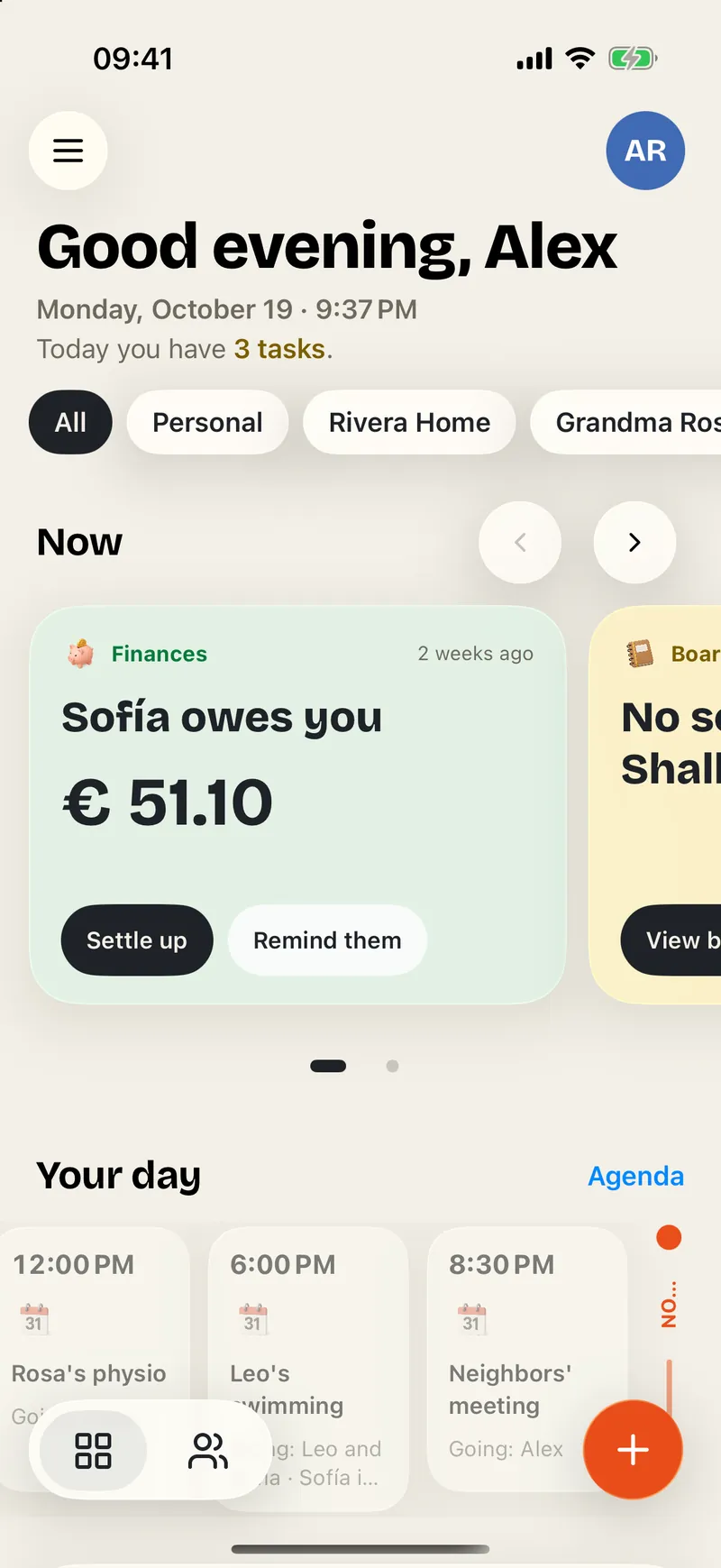
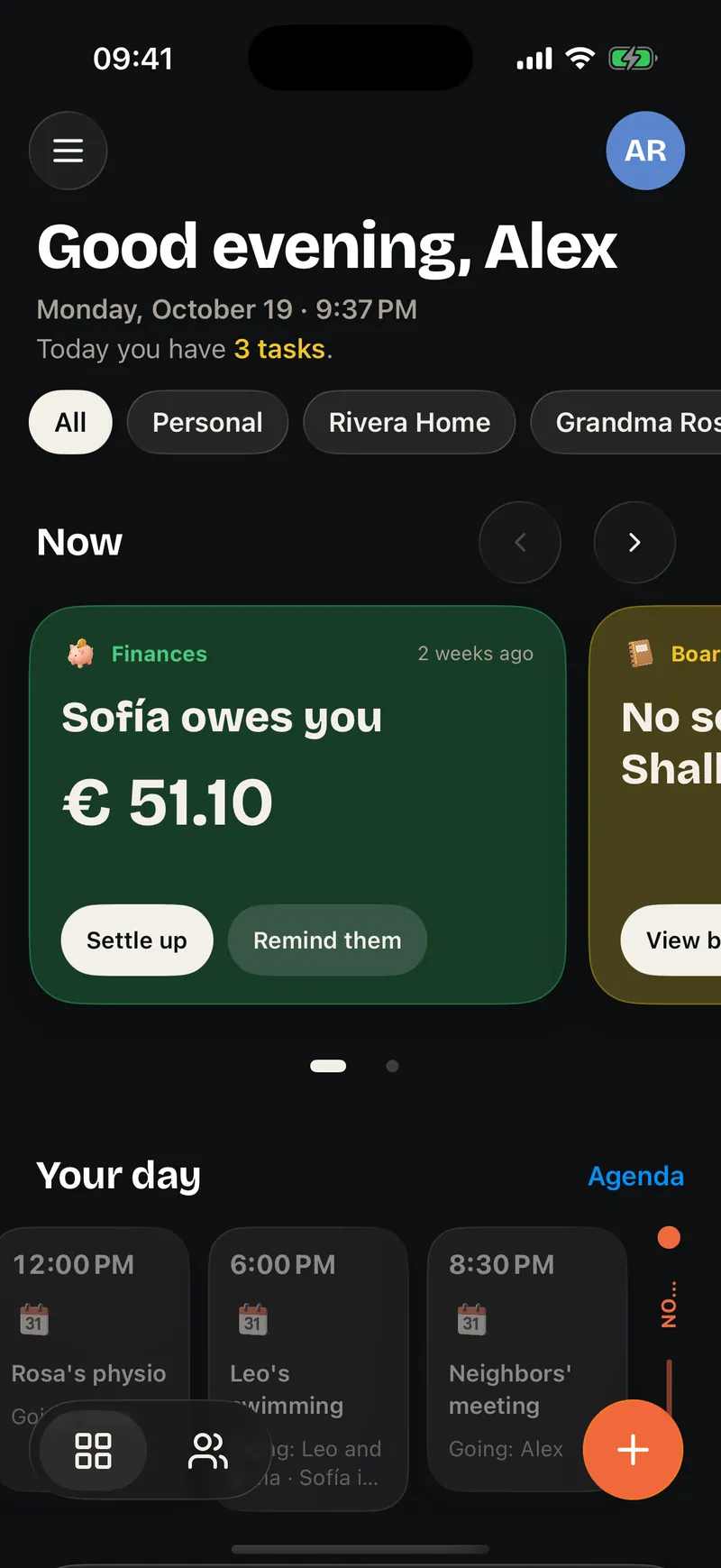
This is how the Now cards look
CalendarIn 2 hours5:30 PM · City Pool · Sofía drives
 BoardPinned
Sofía · 2 h ago
 FinancesBalances
 HouseworkDue today
4 days ago · 2 points
 BirthdayOn Saturday
Grandma Rosa
 Shopping6 items
Added by Alex
BudgetThis month PointsThis week
Sofía 11 · Alex 9
 HolidaysIn 3 weeks
8th to 15th · The whole family
 Routine7:35 AM
Now: brush teeth
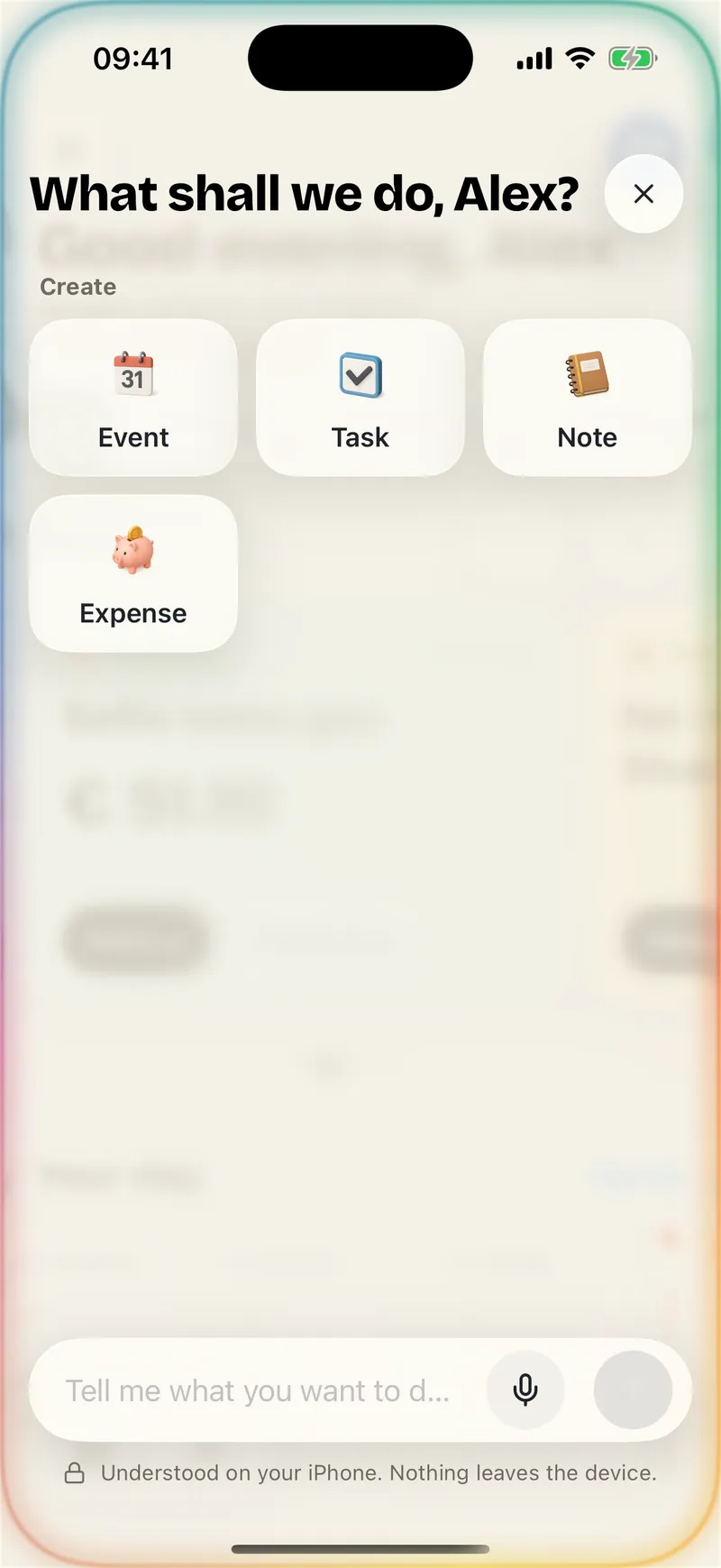
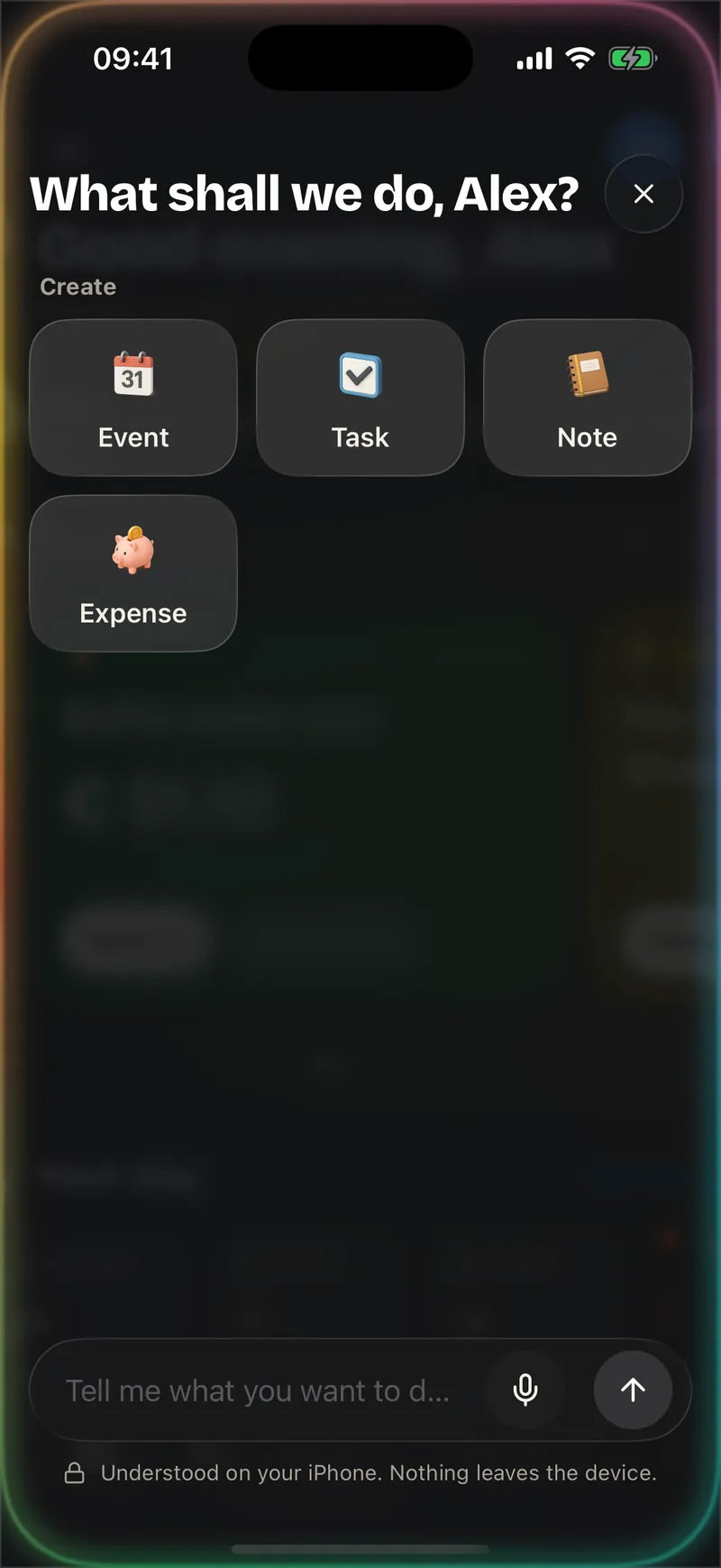
Tap + and type or dictate what is on your mind. Ohana opens the right screen already filled in, so you only have to review it. It never saves anything on its own.
With Apple Intelligence, the phrase is understood on the iPhone itself. Without it, the + still offers everything you can create.
Every part of family life has its module and its color. They all meet in the Summary, and you choose which ones each space uses.
TasksShared lists, the weekly shop, the chores of every zone of the house and the kids' routines. Everyone knows what's theirs, and everyone's effort is in plain sight.
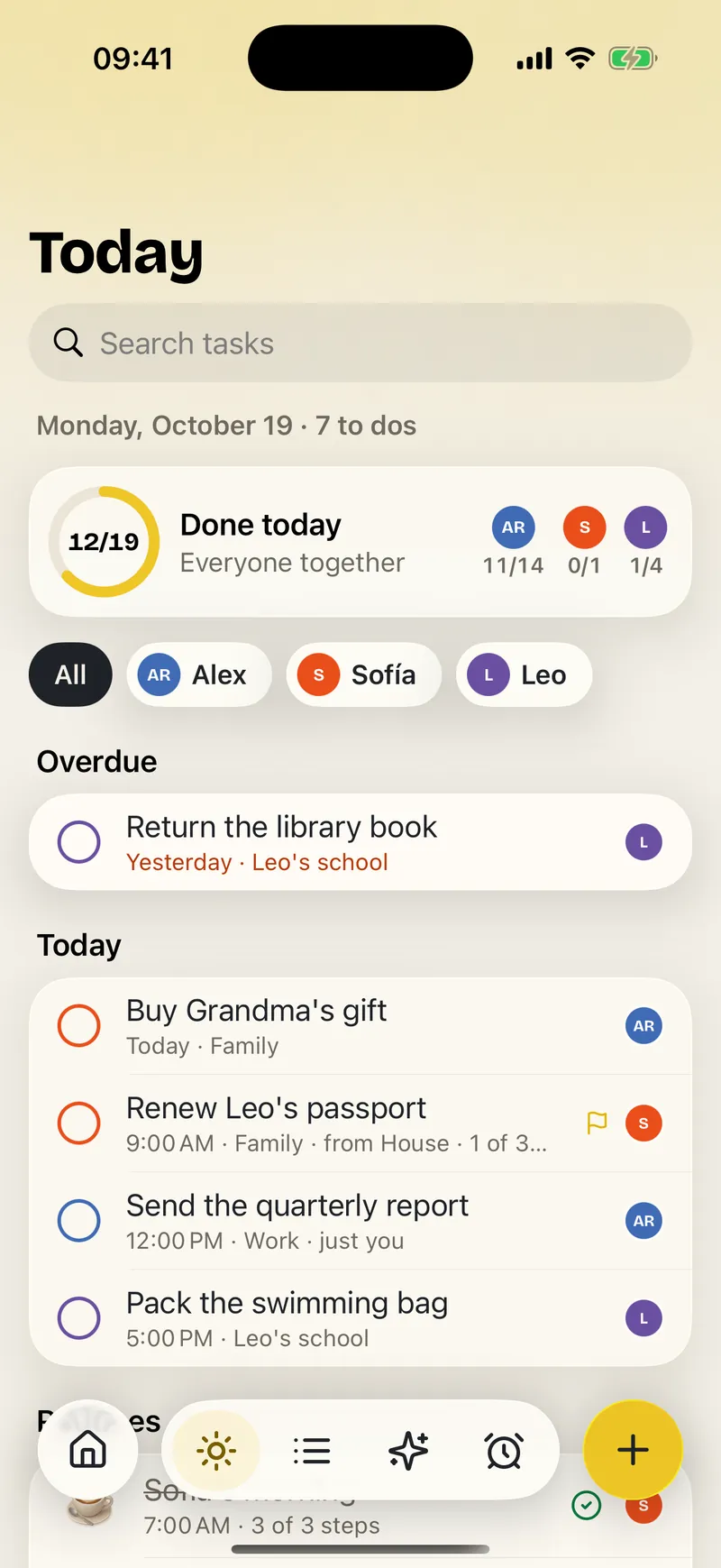
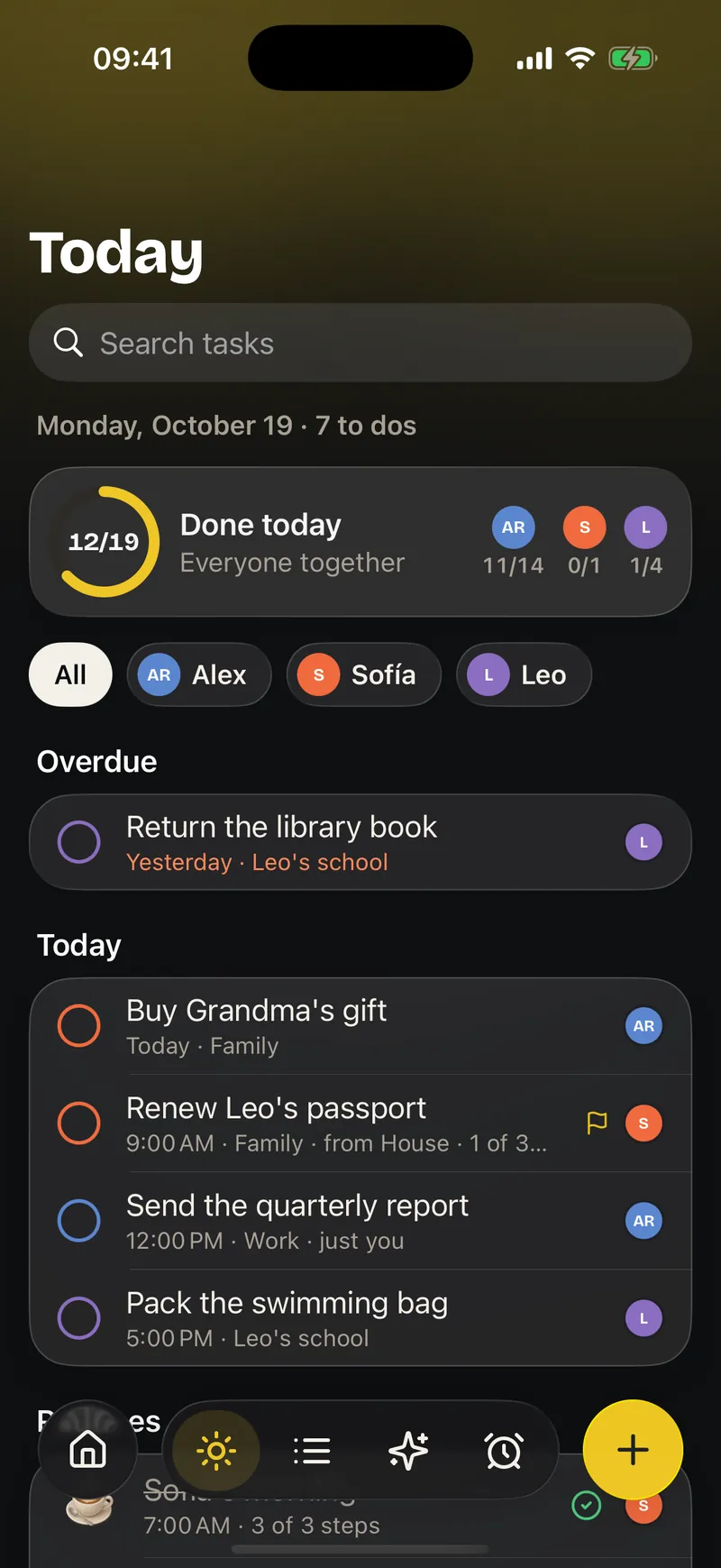
Everything pending, from all your spaces, in one calm view. Open Ohana and know what you can do right now, without chasing messages or remembering separate lists.
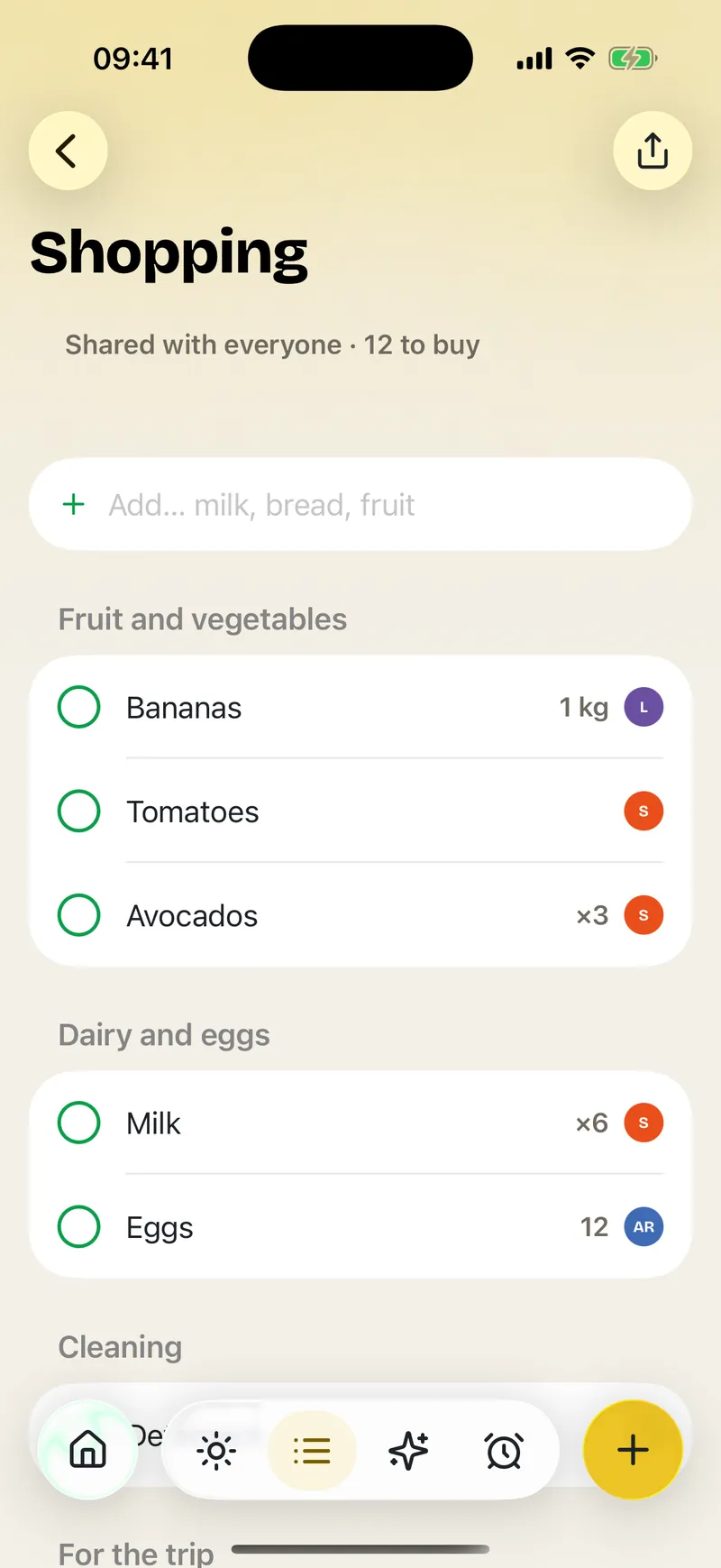
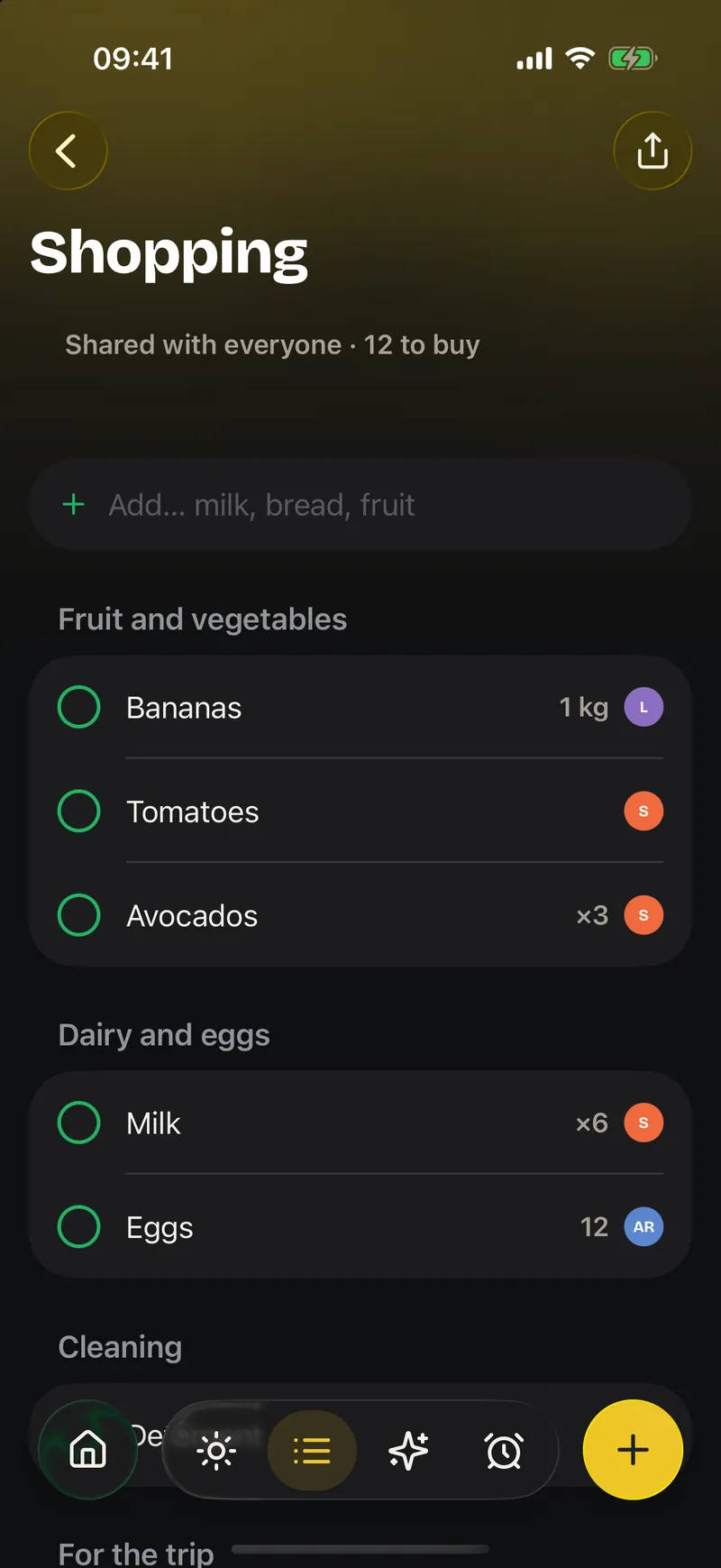
The list changes for everyone at once: what someone adds from home is already in the cart when you reach the store. Fewer messages, fewer duplicate purchases.
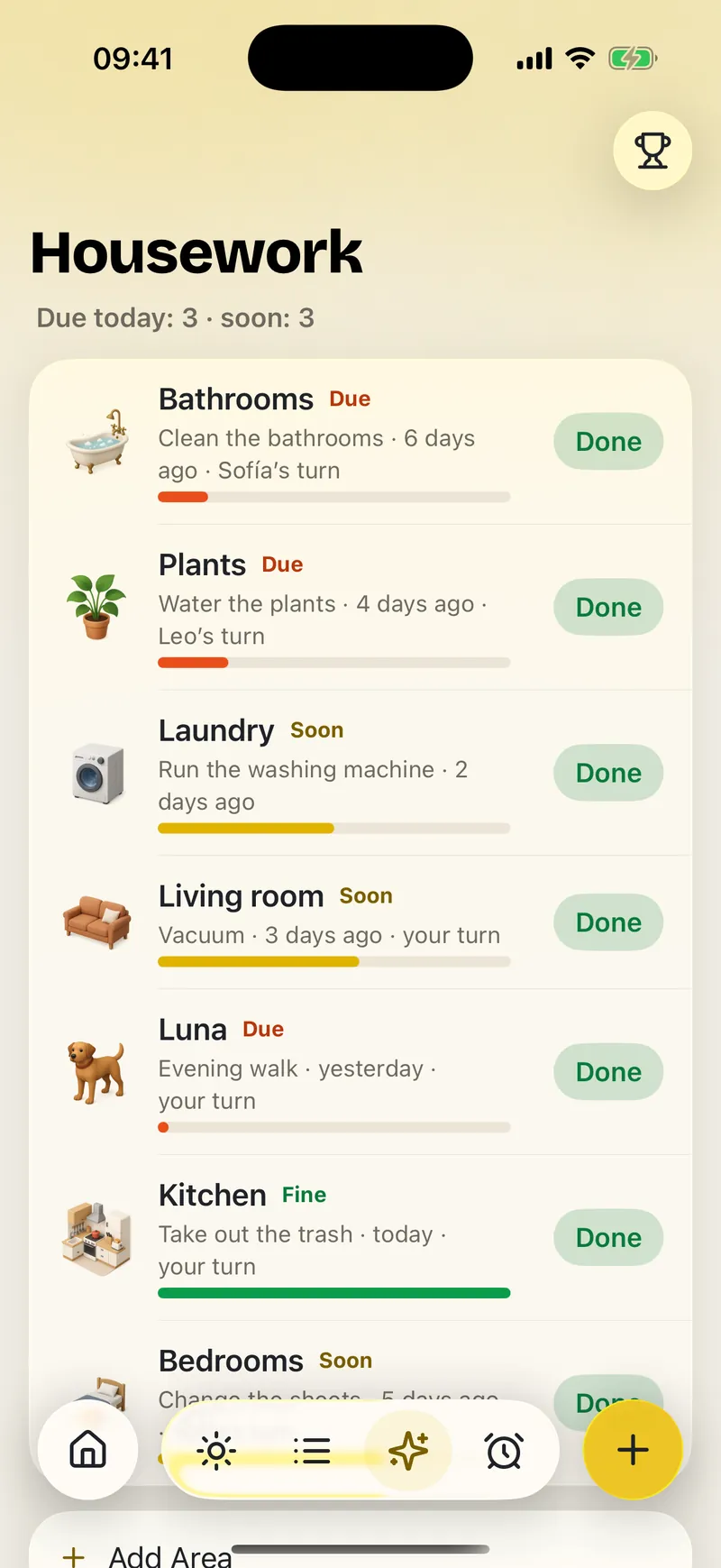
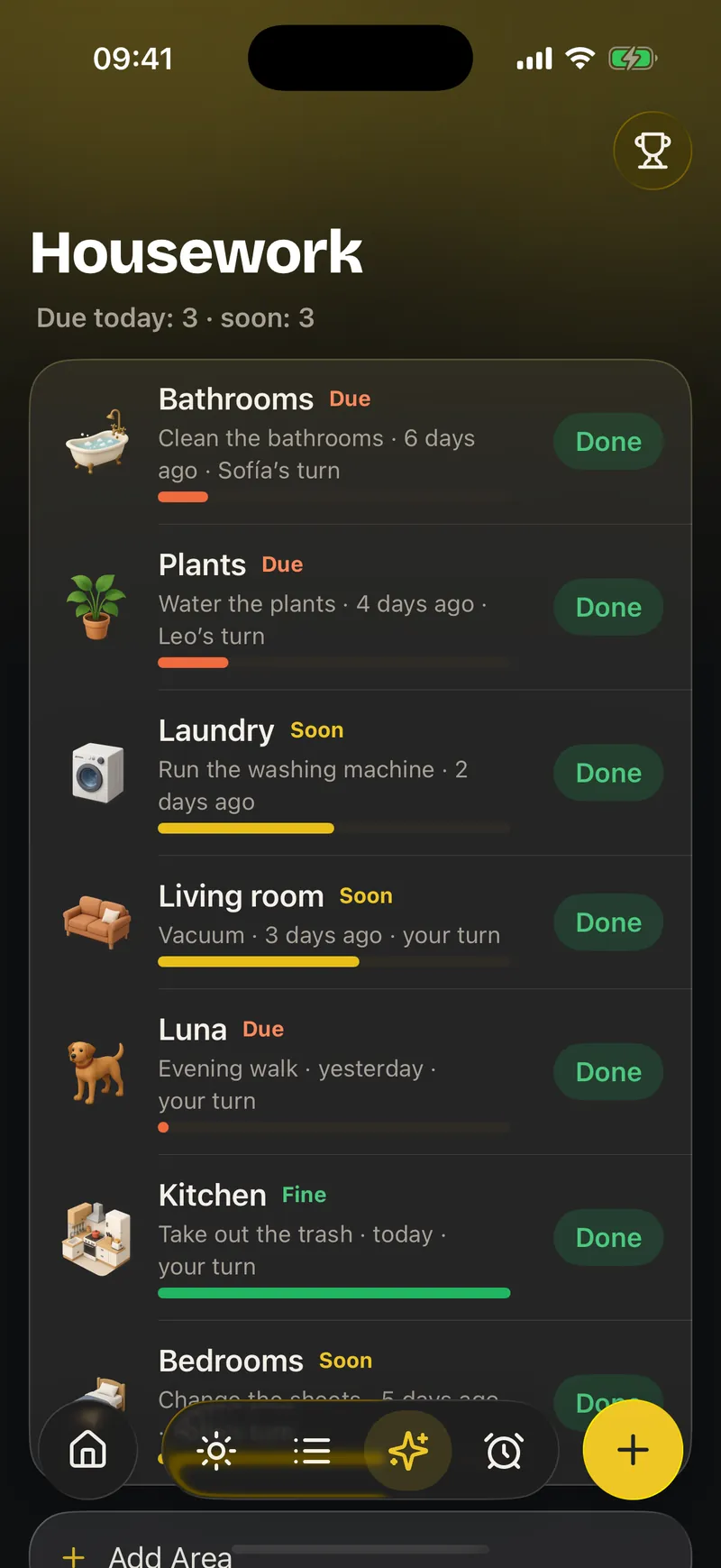
Each zone of the house keeps its own rhythm and its own person in charge. The kitchen, the bathroom or the garden stop depending on whoever remembers first.
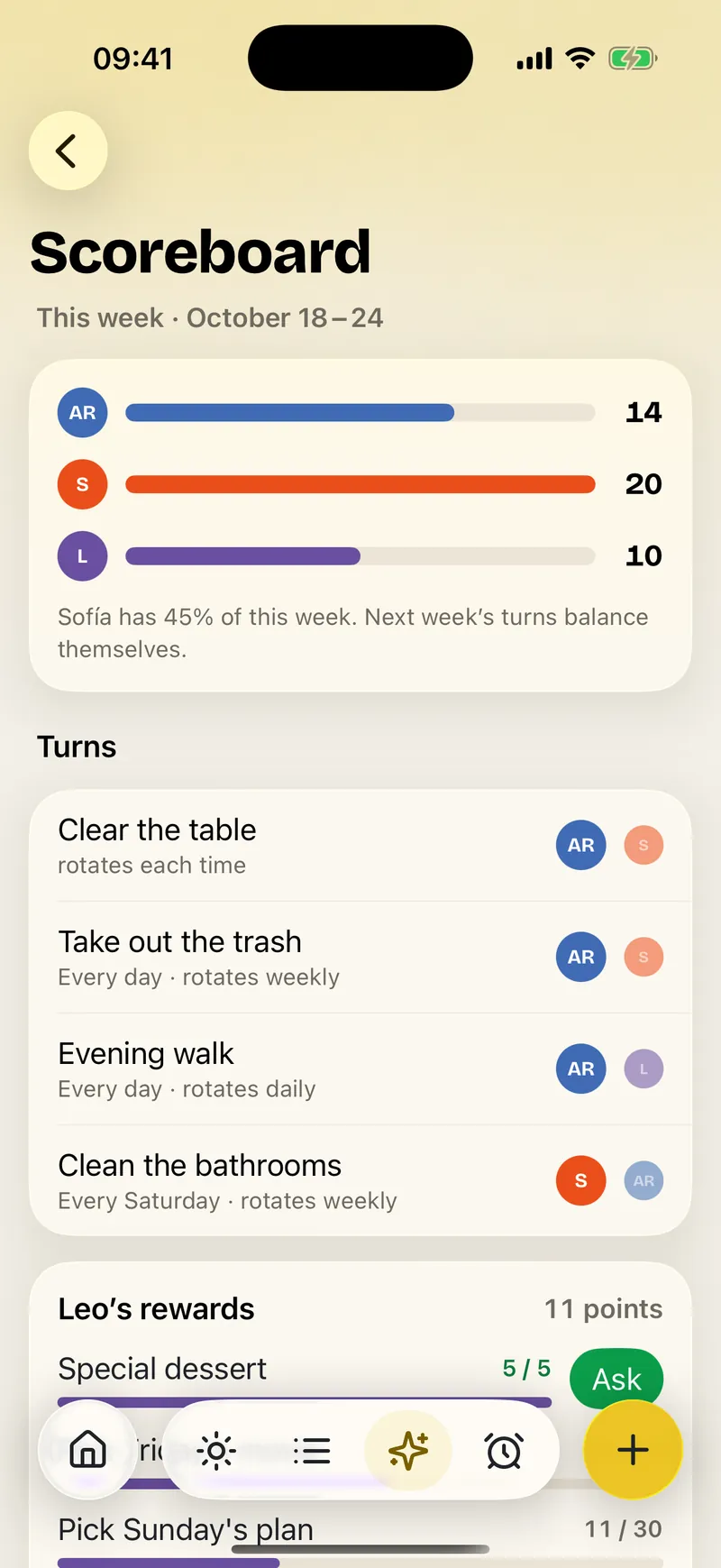
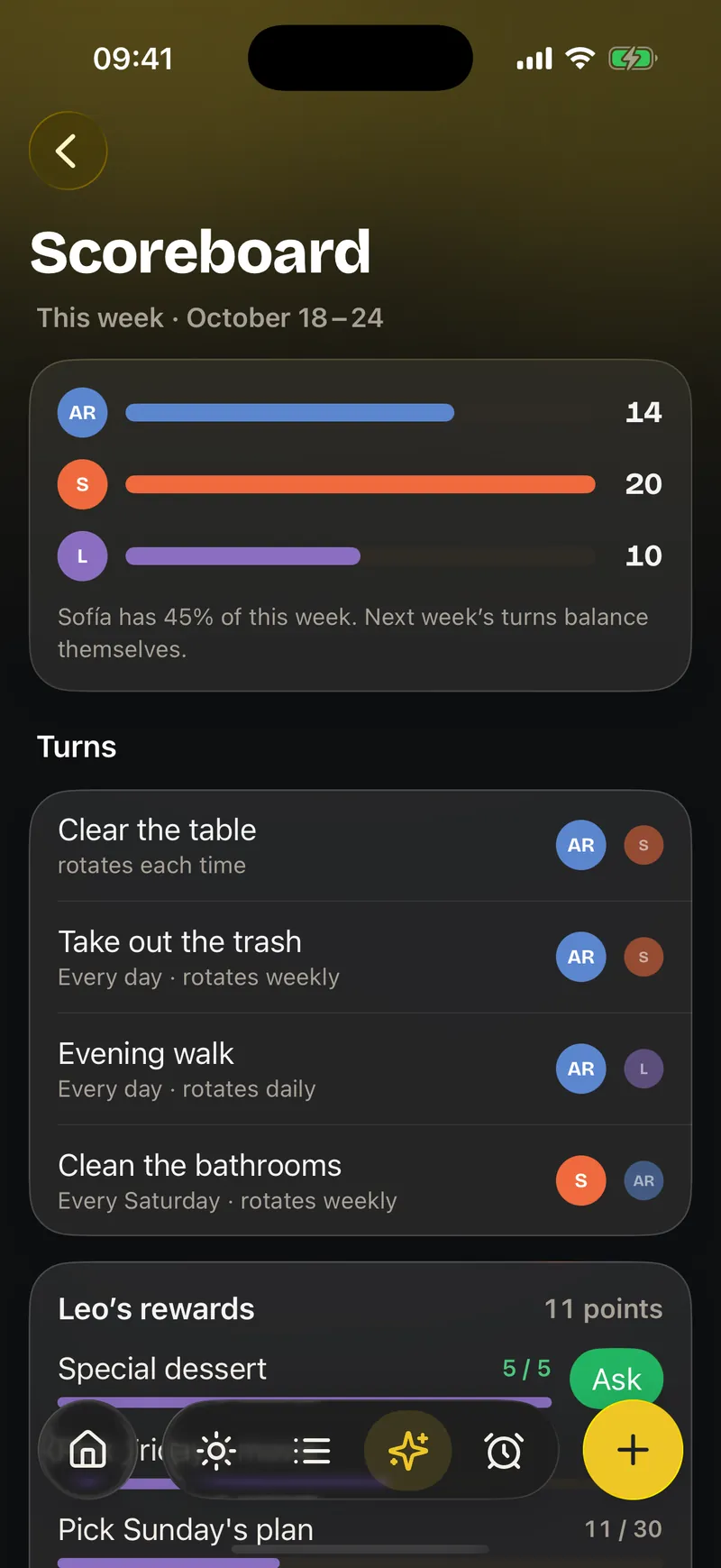
Split what needs doing clearly and let the turns move on their own. The load is visible, shared, and doesn't always fall on the same person.
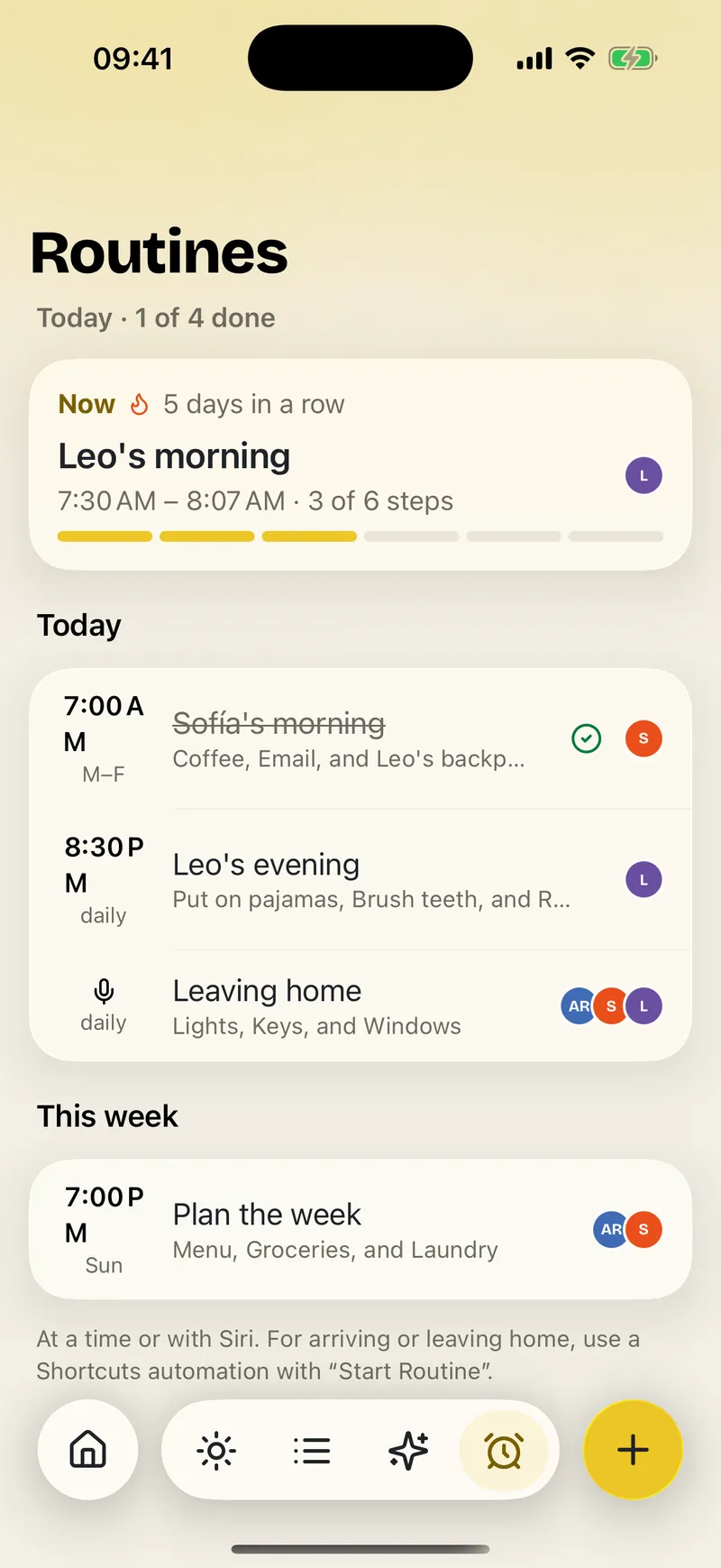
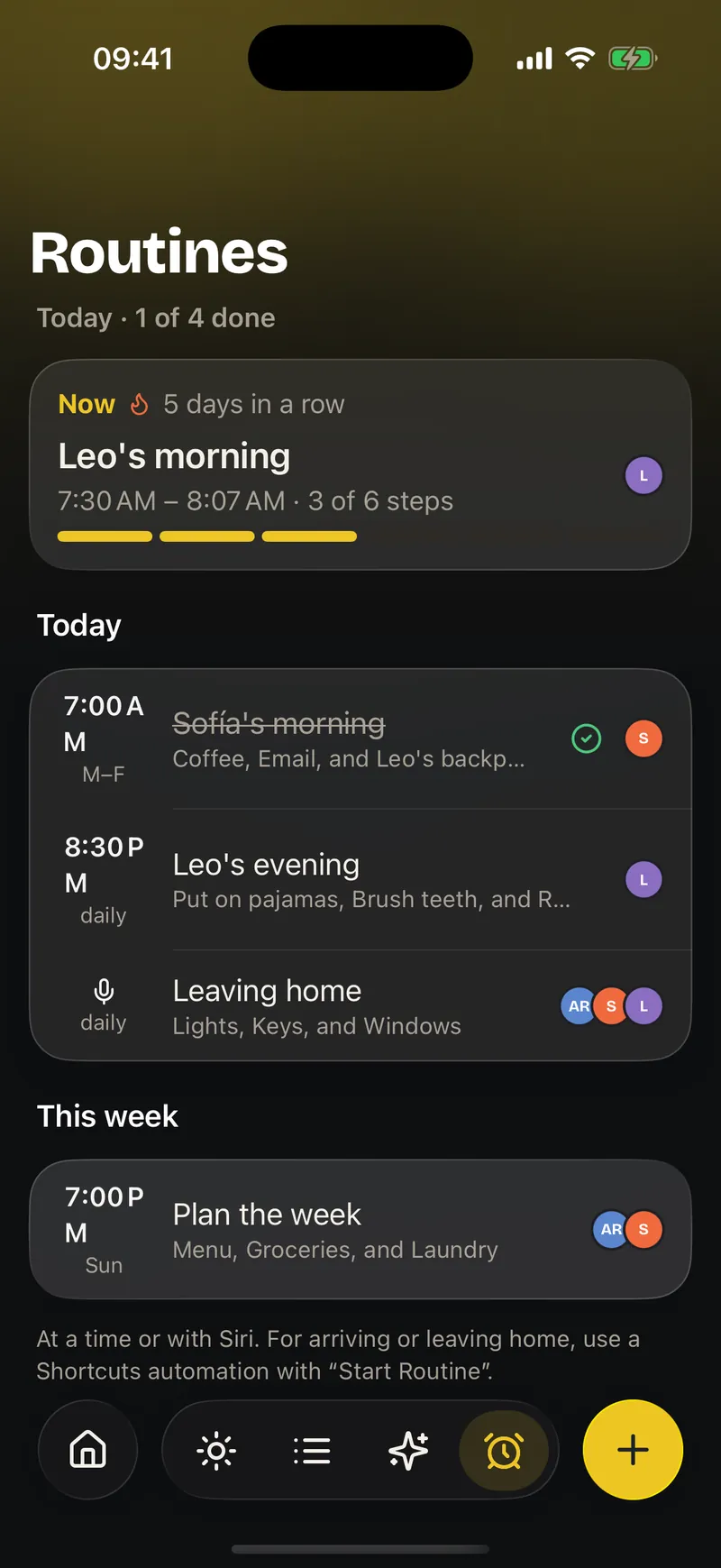
Turn the moments that repeat into easy steps, with a time, a streak and points. Kids gain independence and adults stop repeating themselves every morning.
Your own lists with their own picture and color, plus smart lists: Today, Scheduled, For me and Flagged.
What one person ticks goes into everyone's cart. When you're done, clear it with a tap or share it as text.
Kitchen, bathroom, garden… Each zone tells you if it is due today, soon, or fine, and how many days ago it was done.
Taking out the trash every time, every day or every week, and Ohana knows whose turn comes next.
Kids add up points toward their reward. If needed, an adult reviews the task before it counts.
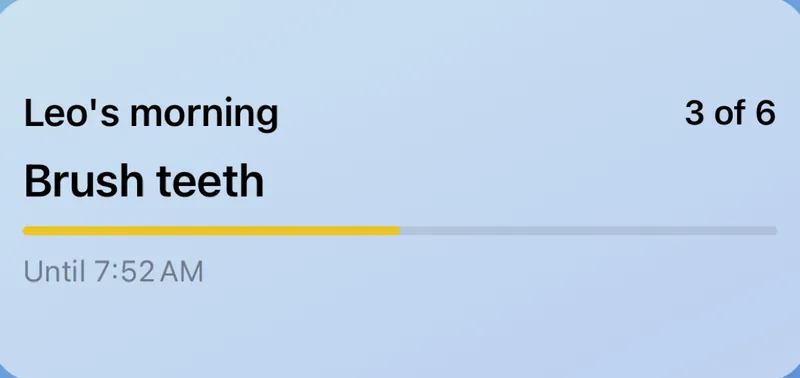
The morning one or the bedtime one, with illustrated steps, minutes per step, a streak and points at the end.

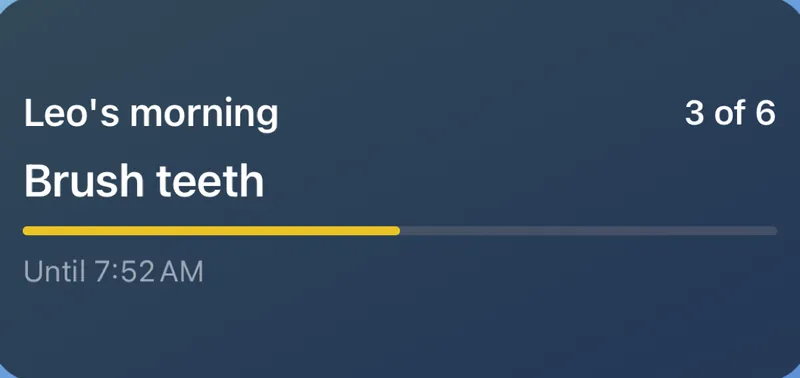
The routine in progress on the Lock Screen and in the Dynamic Island: the current step and until when.
"Add something to the groceries in Ohana" from anywhere, and today's tasks on the Home or Lock Screen.

Copy the Reminders lists you choose and start without typing anything again.
CalendarThe family's events, birthdays, dated tasks and your iPhone calendars live in the same agenda. And every event says who's going and who's driving.
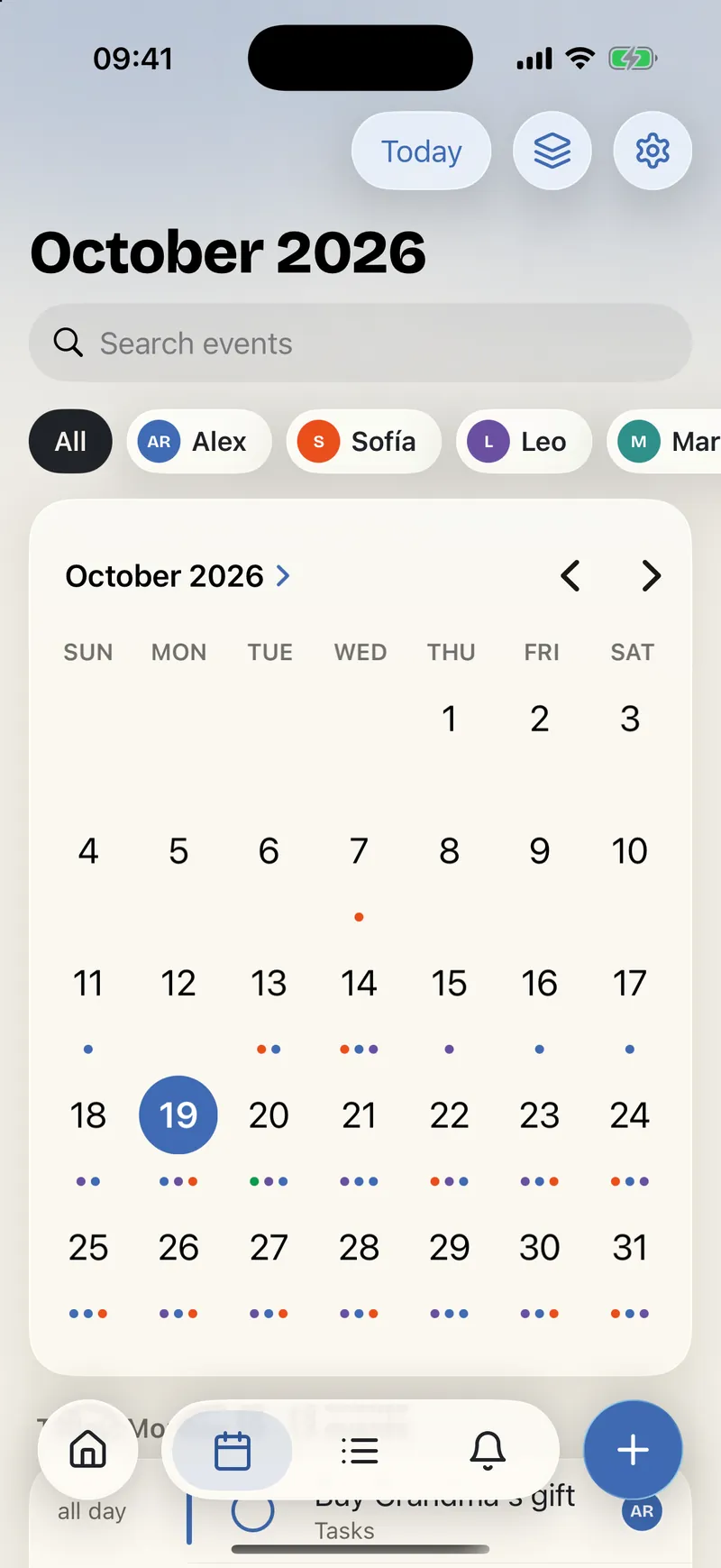
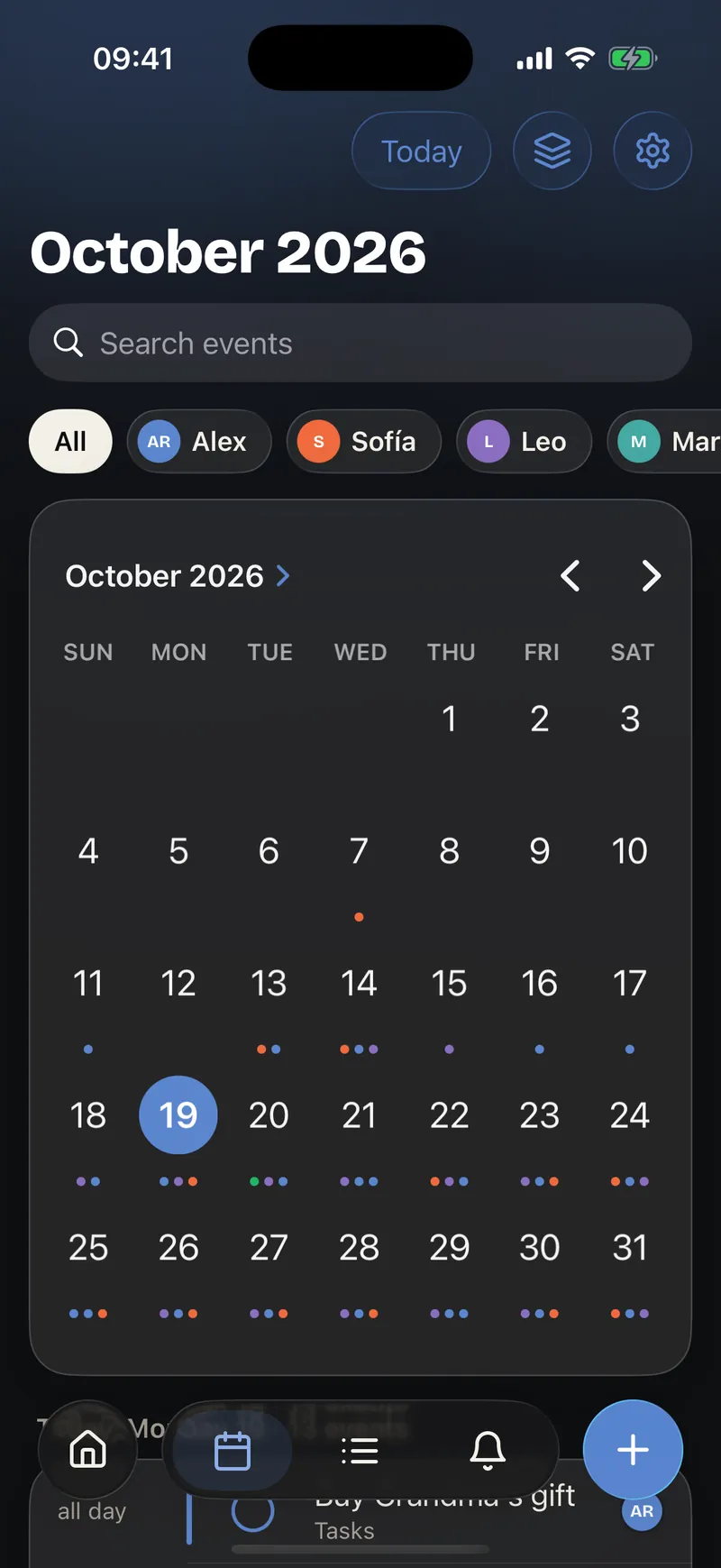
One colored dot per person turns the month into a clear picture of the family. At a glance you know who has something and when you need to coordinate.
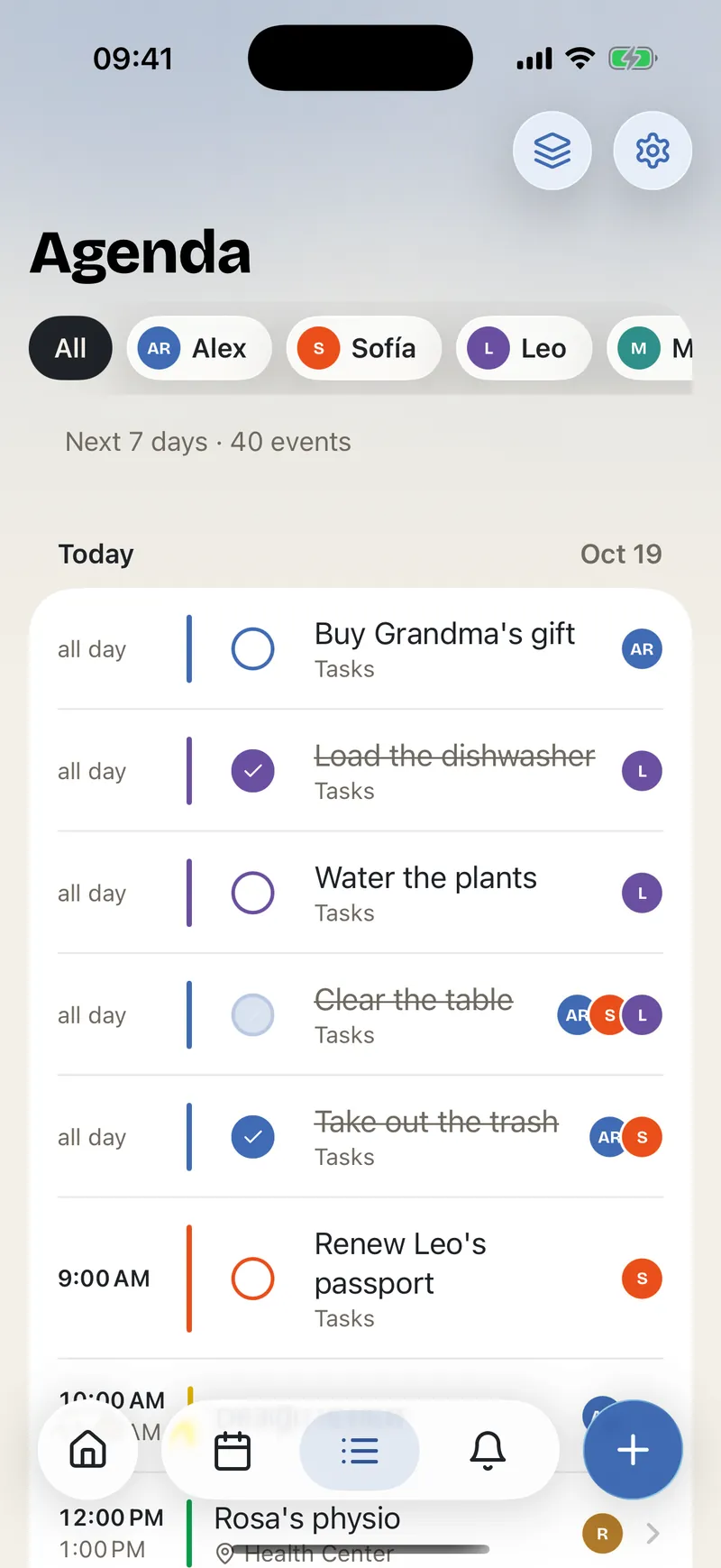
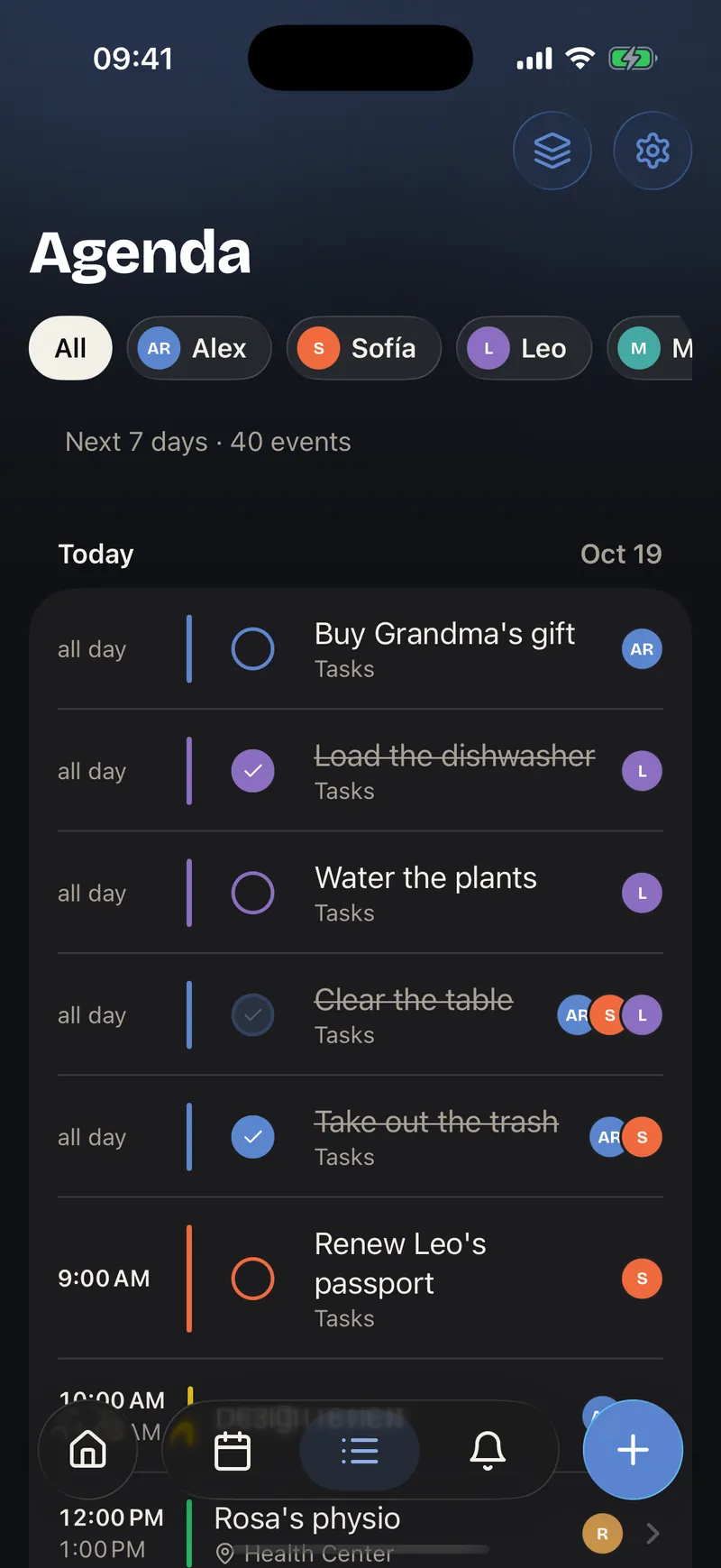
Everything upcoming in one continuous, easy-to-read line. The day stops being a pile of notifications and makes sense again from start to finish.
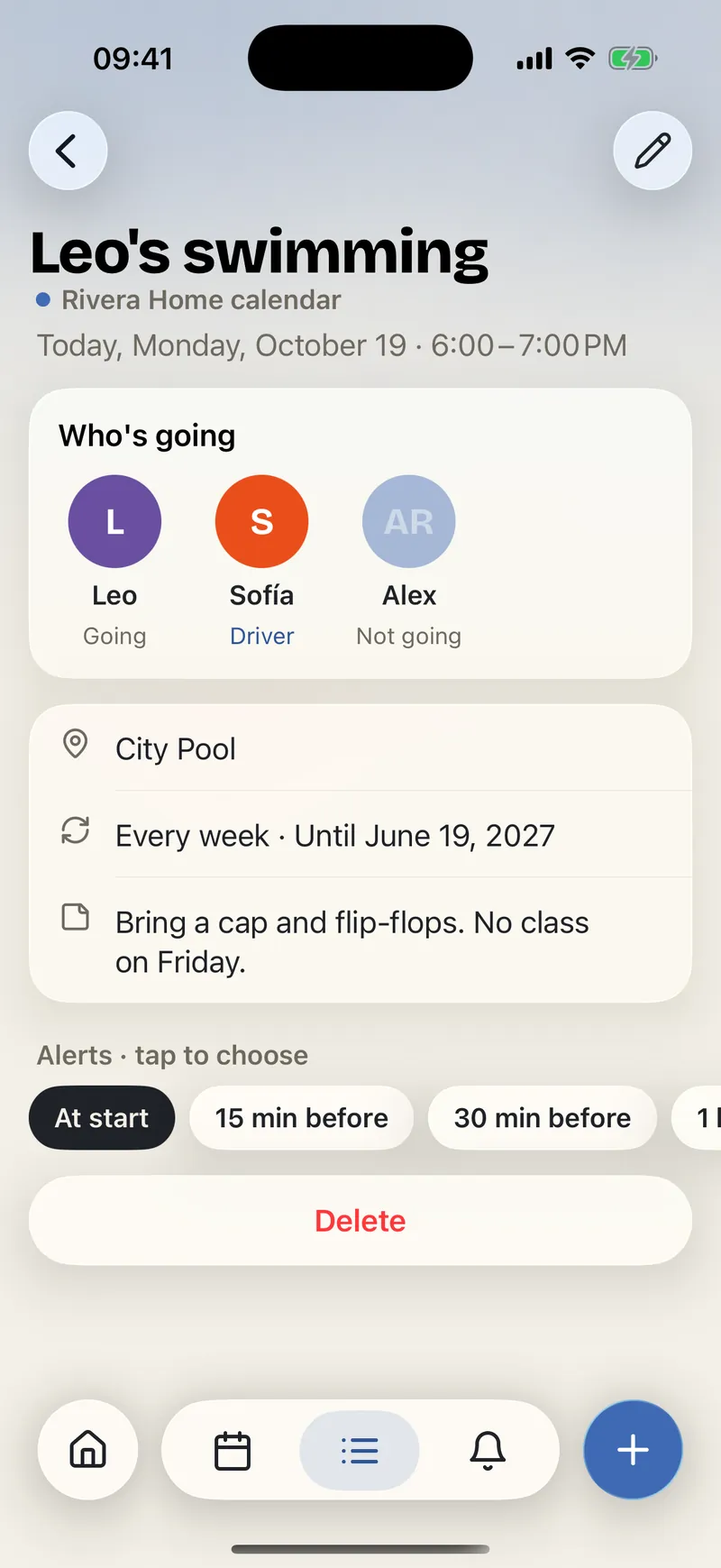
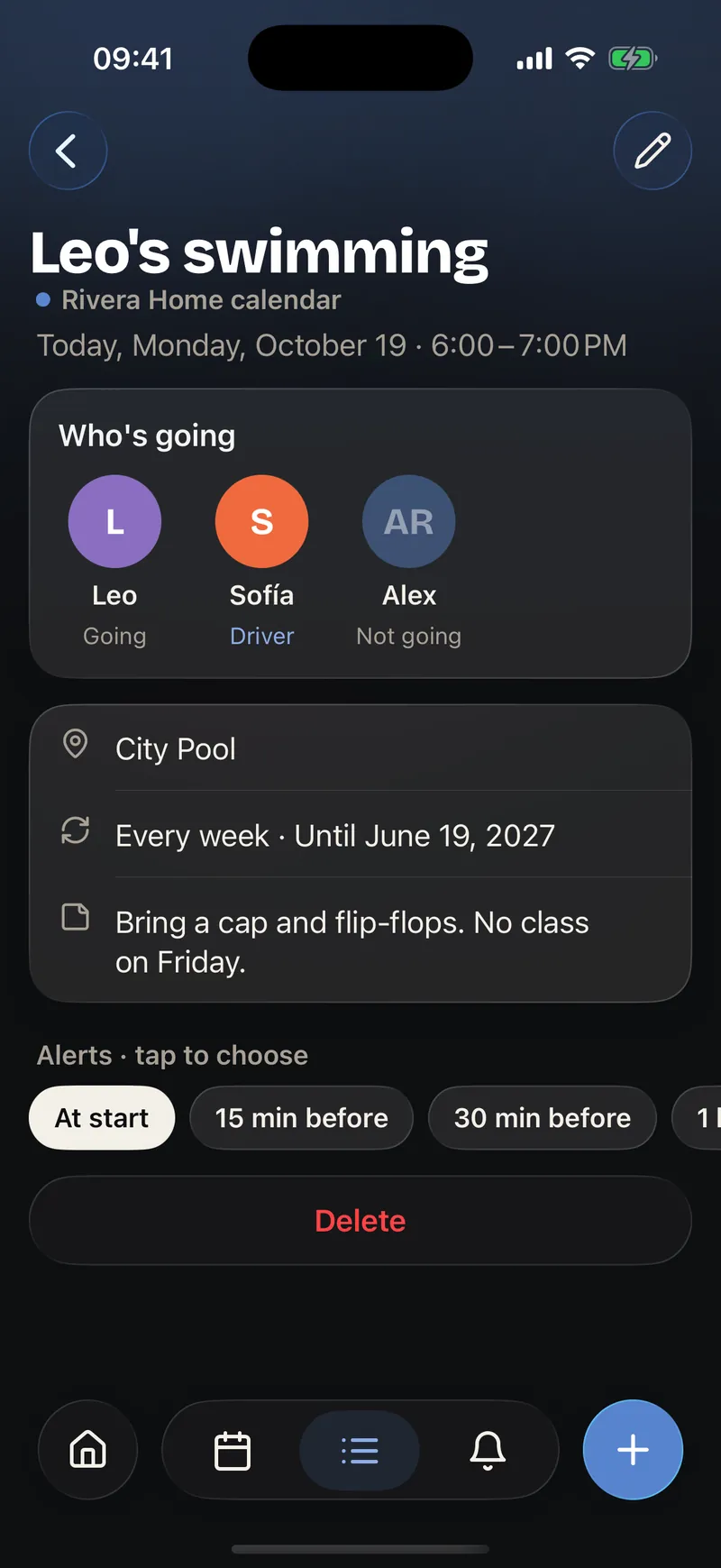
Every plan gathers the information that avoids last-minute questions: where it is, how long it takes, who's going and who's driving. Getting ready stops being a separate job.
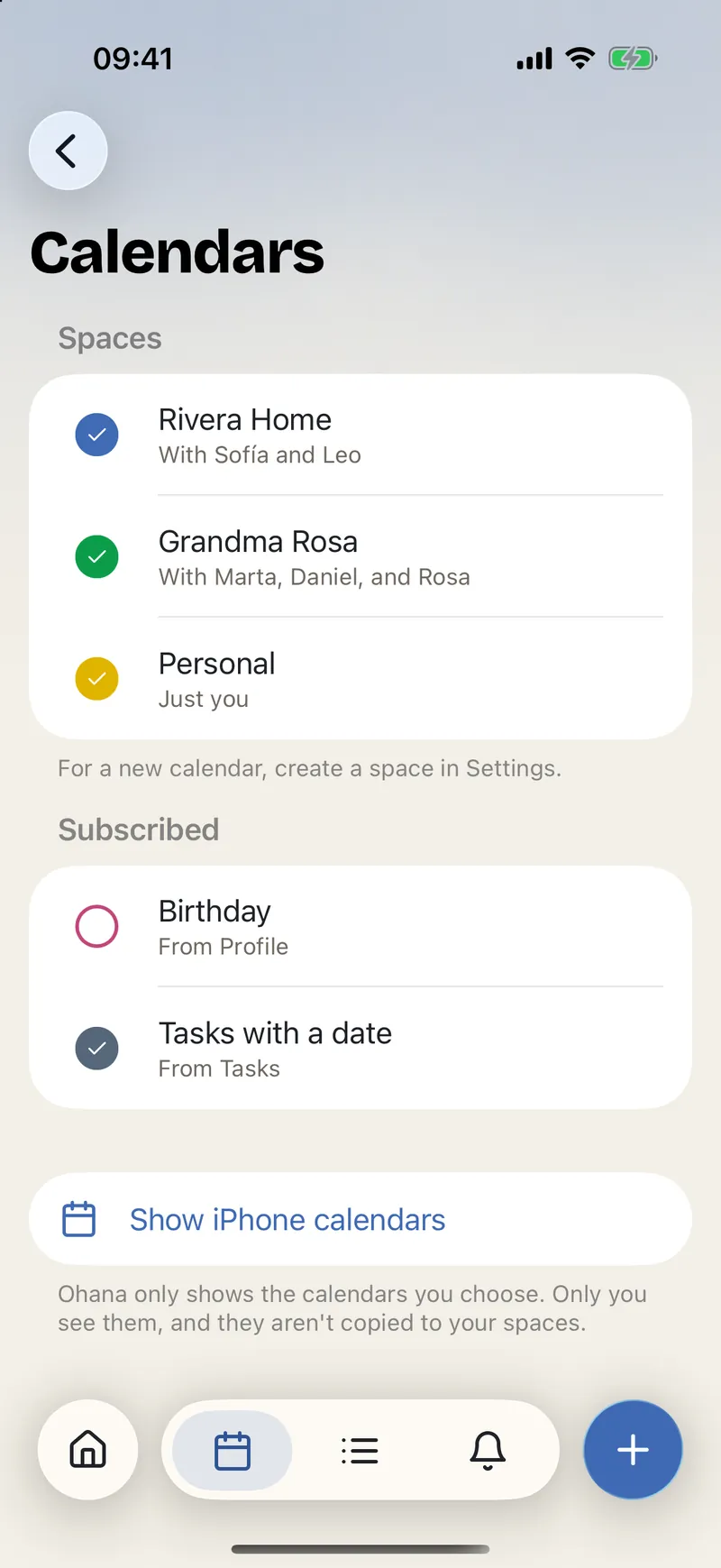
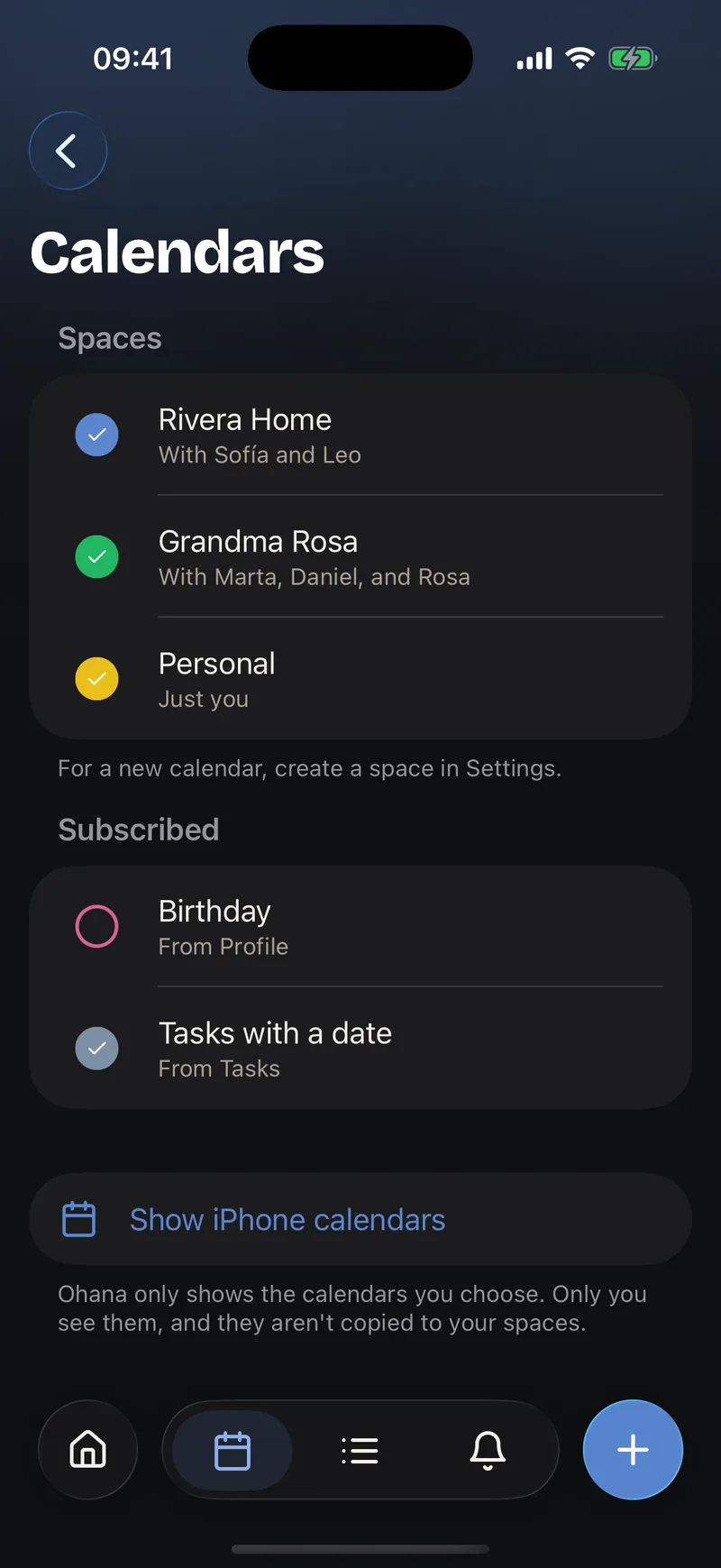
Your personal calendars, birthdays and each space's calendar live side by side without mixing. You share only what you should, but you see the context you need.
The month grid with colored dots per person and a continuous agenda to see what is coming.

Every event knows who attends and which adult goes along. You change it from the event itself.
Work, school or subscriptions appear next to the family ones. Only you see them, on your iPhone.
Your contacts' and each family member's, without writing them down twice.
What has a date in Tasks shows up in the agenda, and can be completed from there.
Look up the place, open it in Maps and check how long the drive takes before you leave.
Every day, week, month or until a date. And when deleting, you choose just this one or the following too.

Find March's dentist or the next school meeting without scrolling for months.
 Finances
Accounts, transactions, budgets and piggy banks, with shared expenses split between you. What you pay with Apple Pay, receipts and bank screenshots come in almost by themselves.
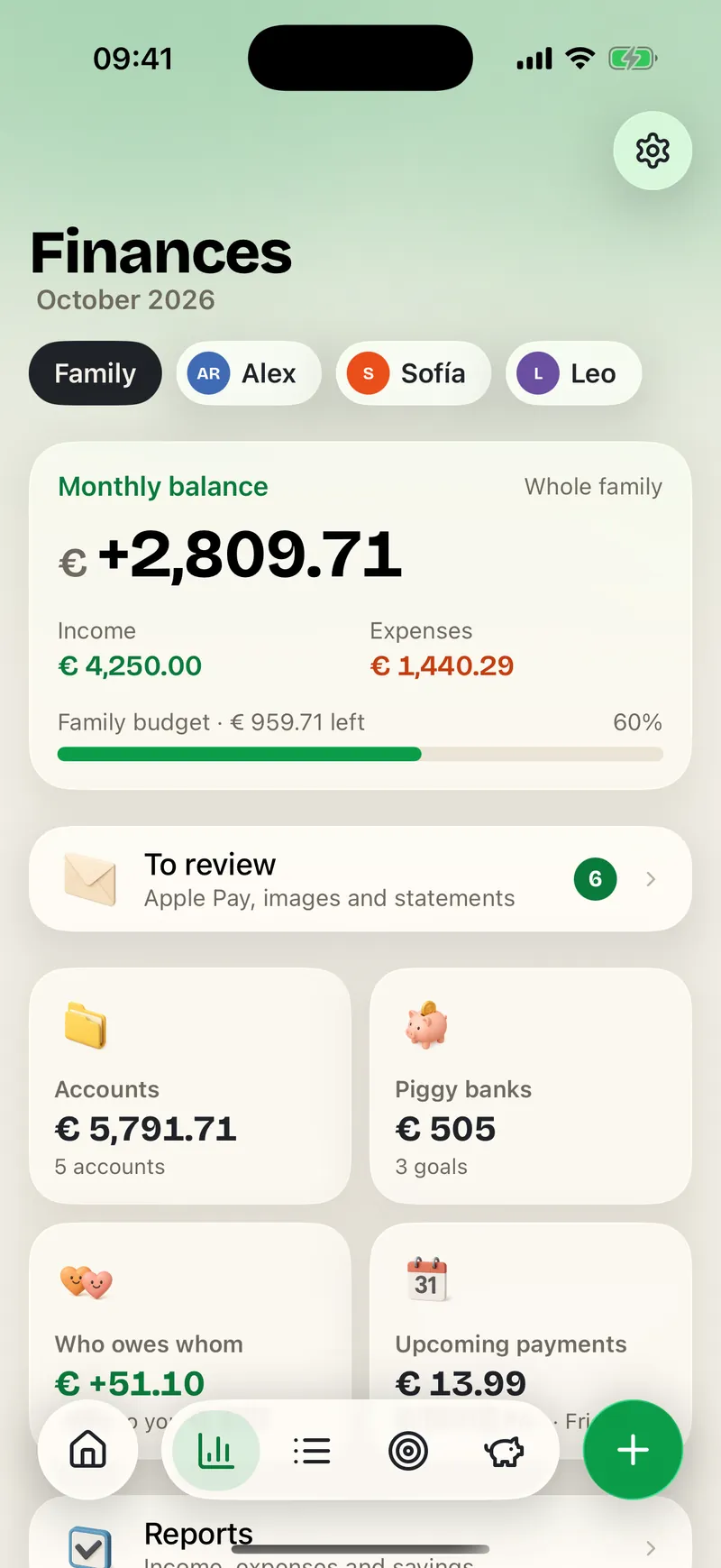
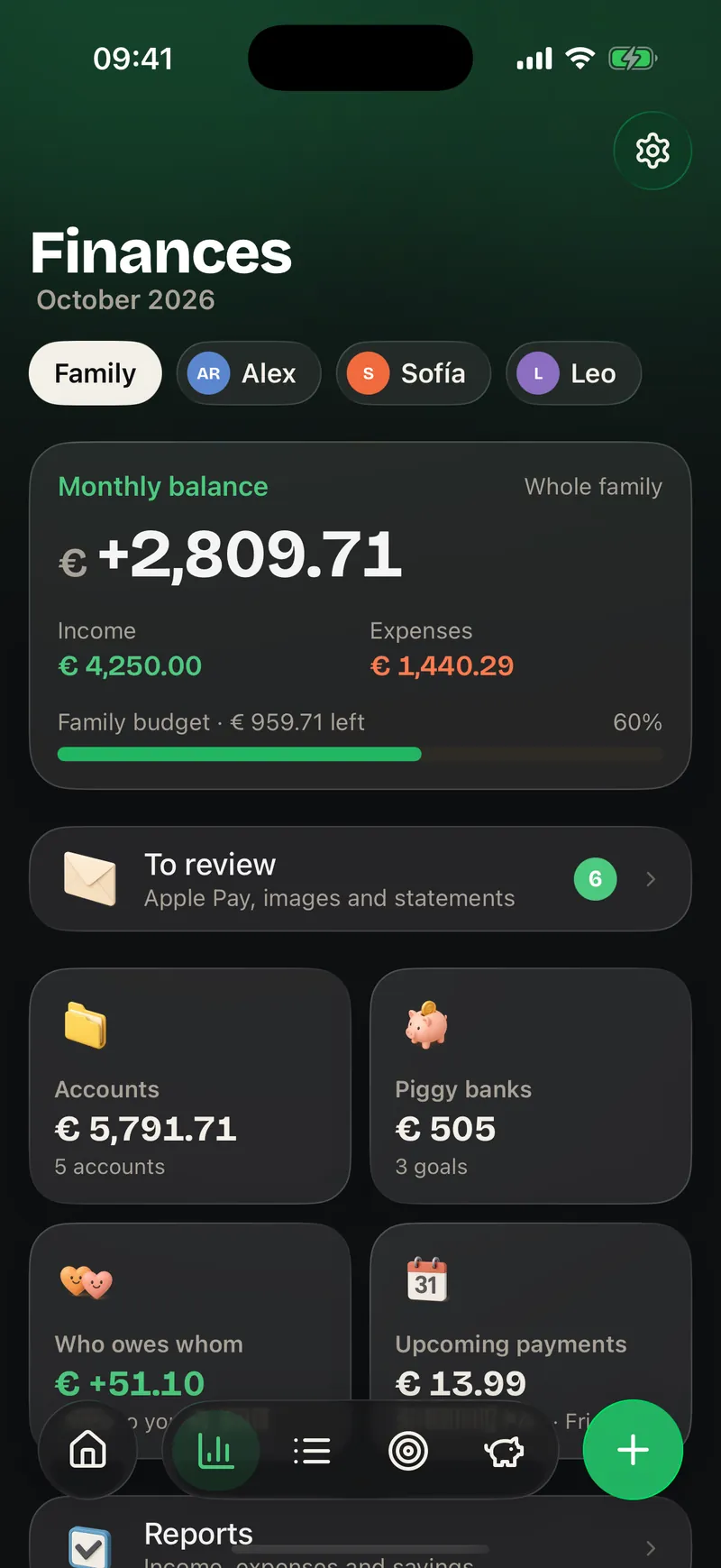
Understand the month in seconds: what you have, what's left and what's coming. Finances turns awkward conversations into a shared, calm view.
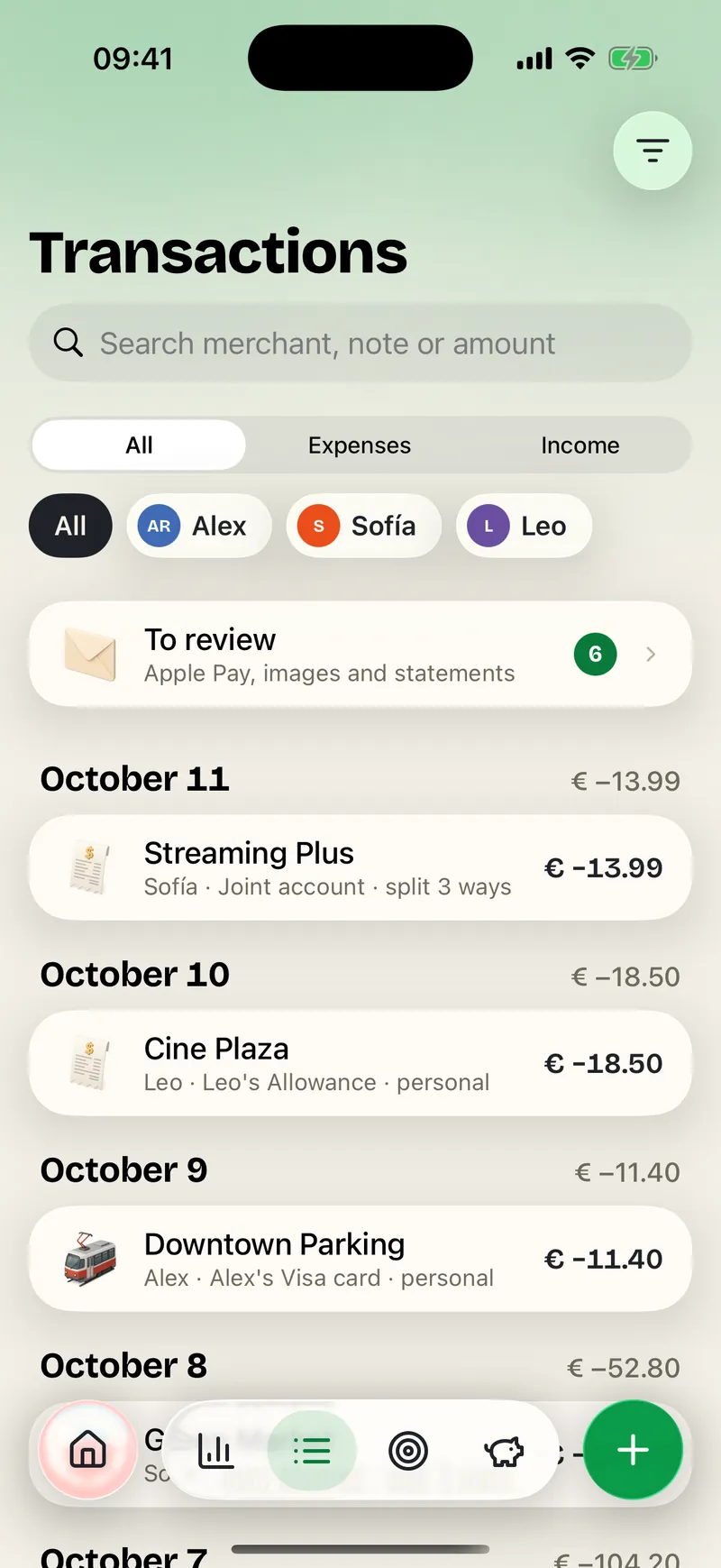
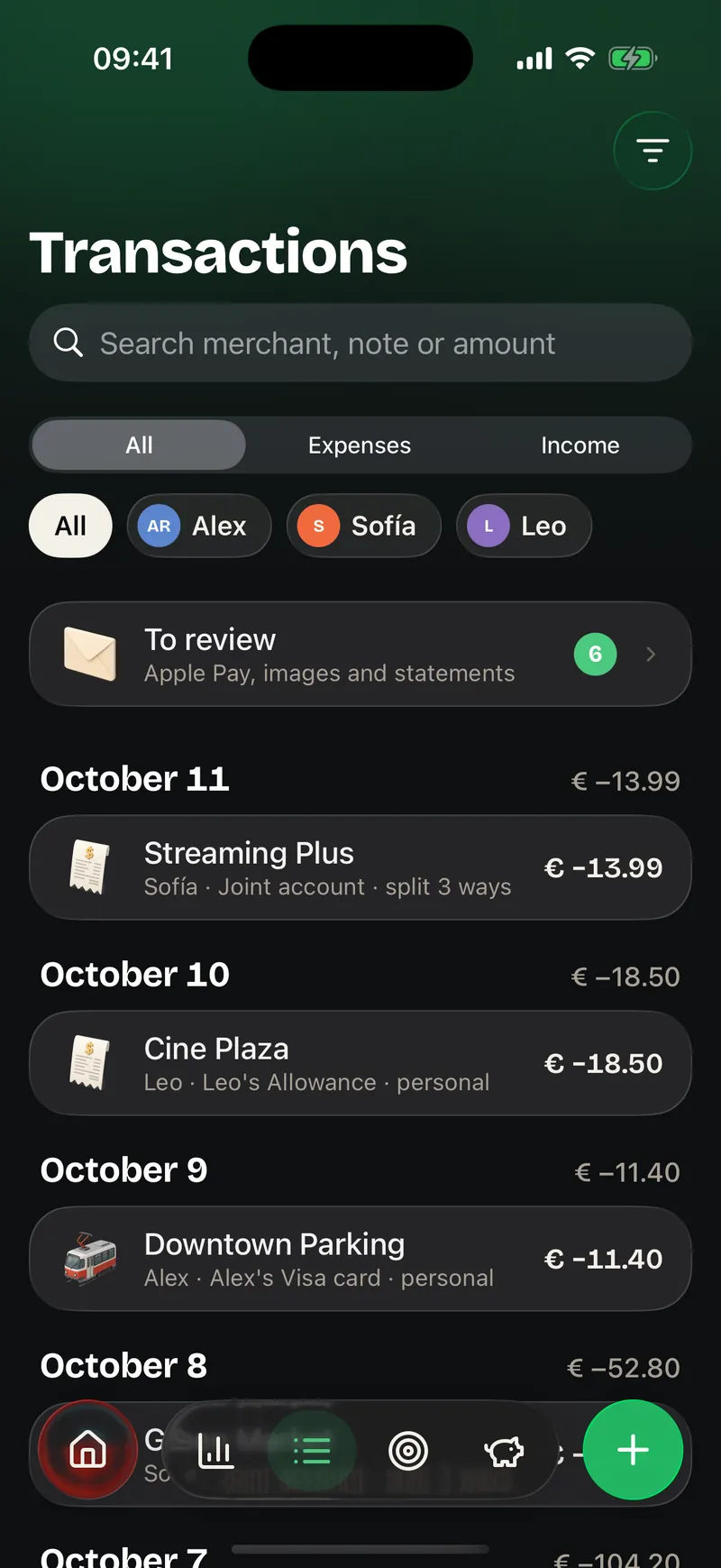
Every expense keeps its category, account and split without losing context. When someone asks what that charge was, the answer is already where it should be.
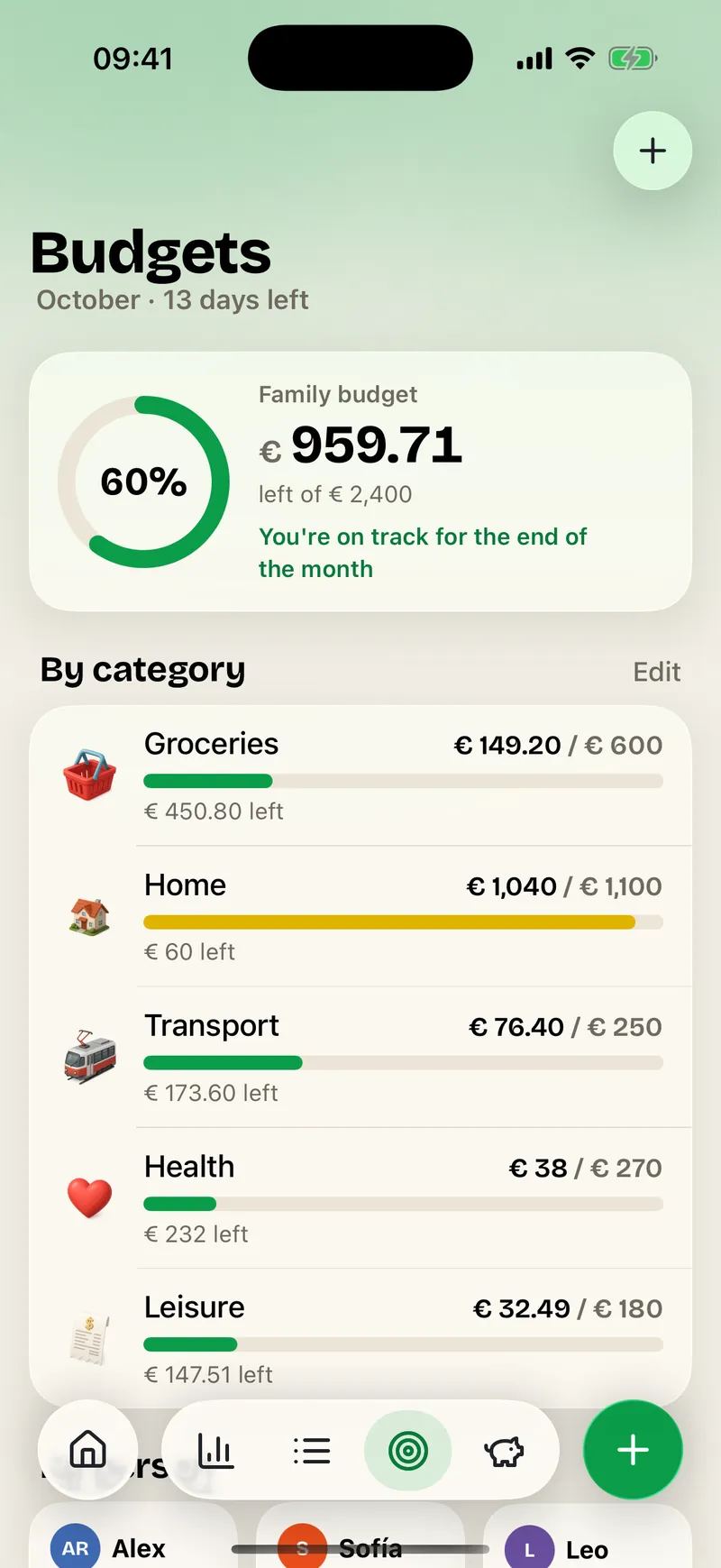
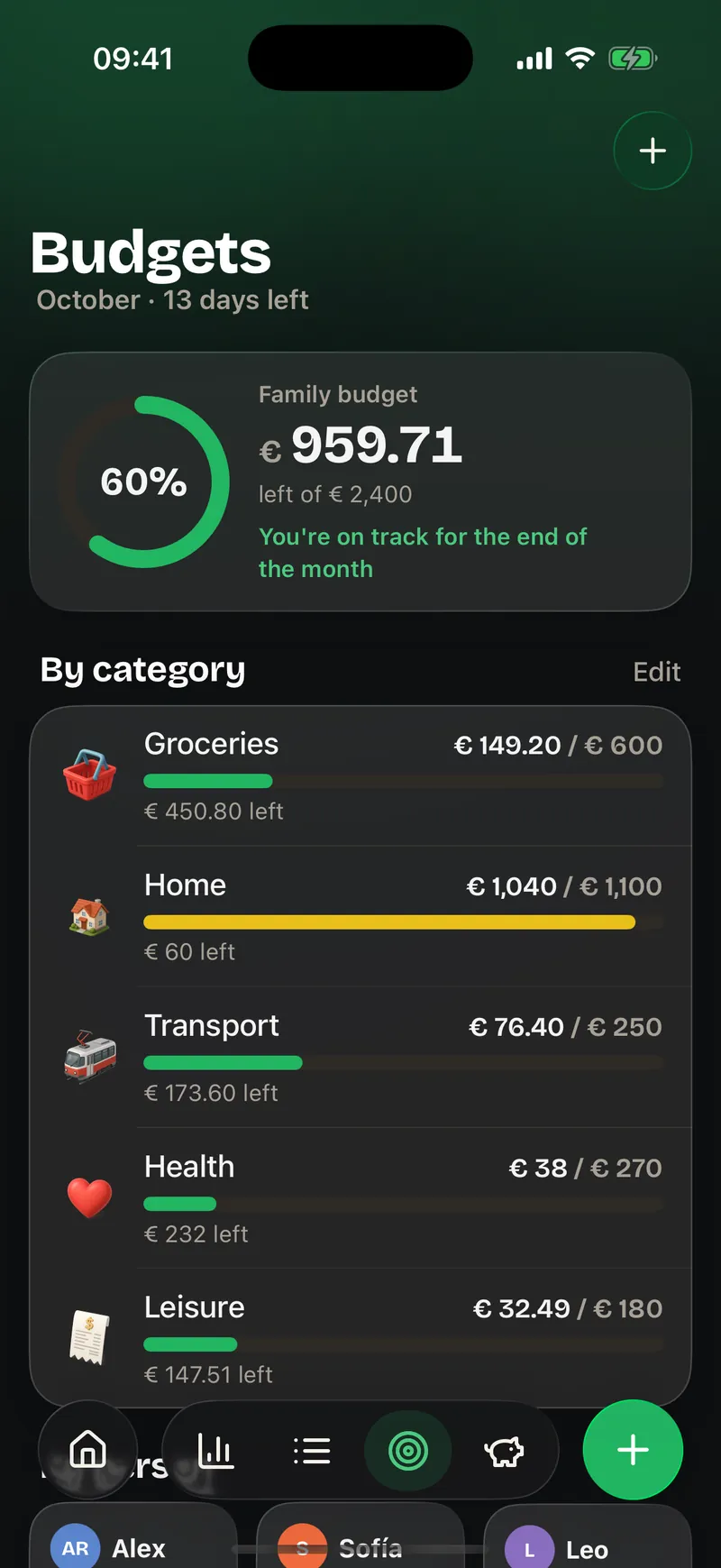
Know how much is left and whether the pace works before the month ends. Deciding together is easier when everyone sees the same number.
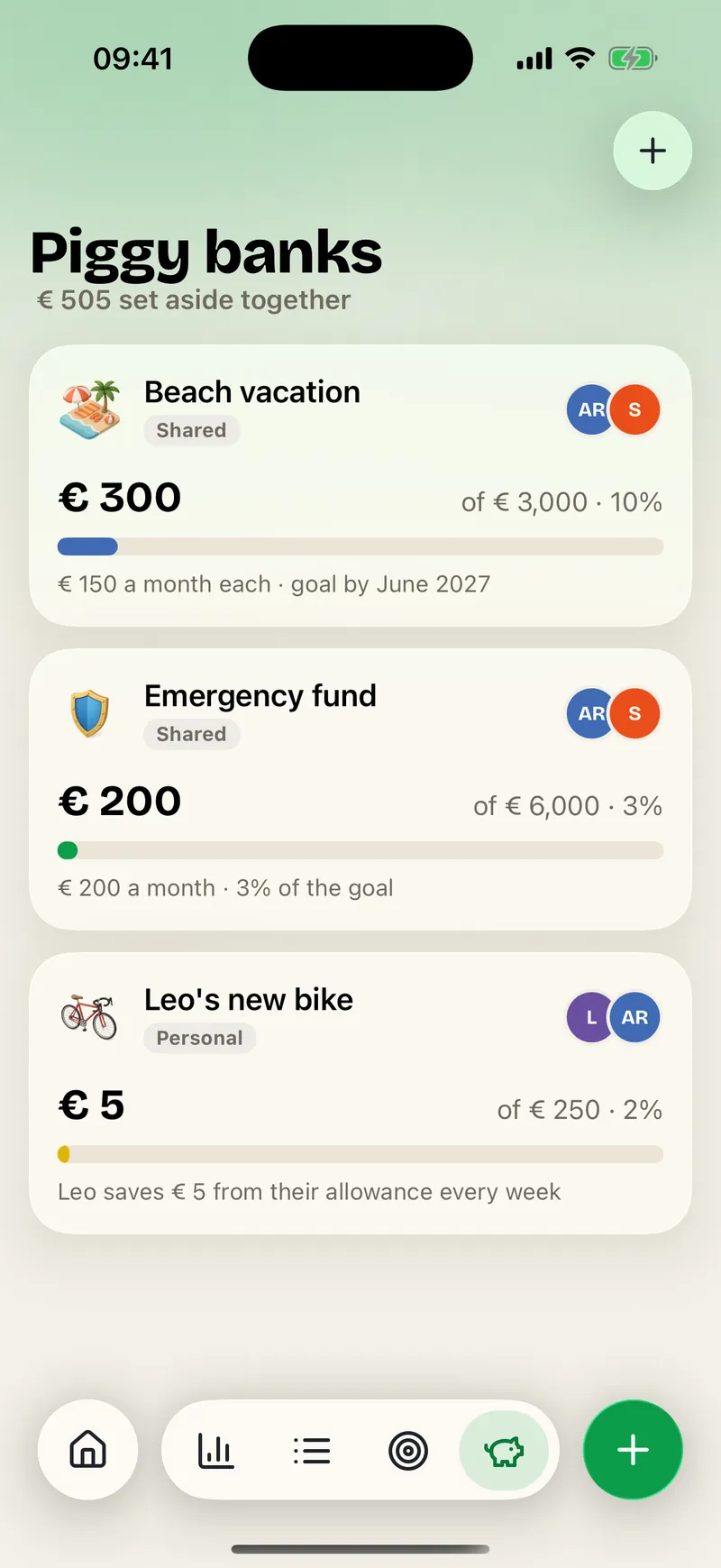
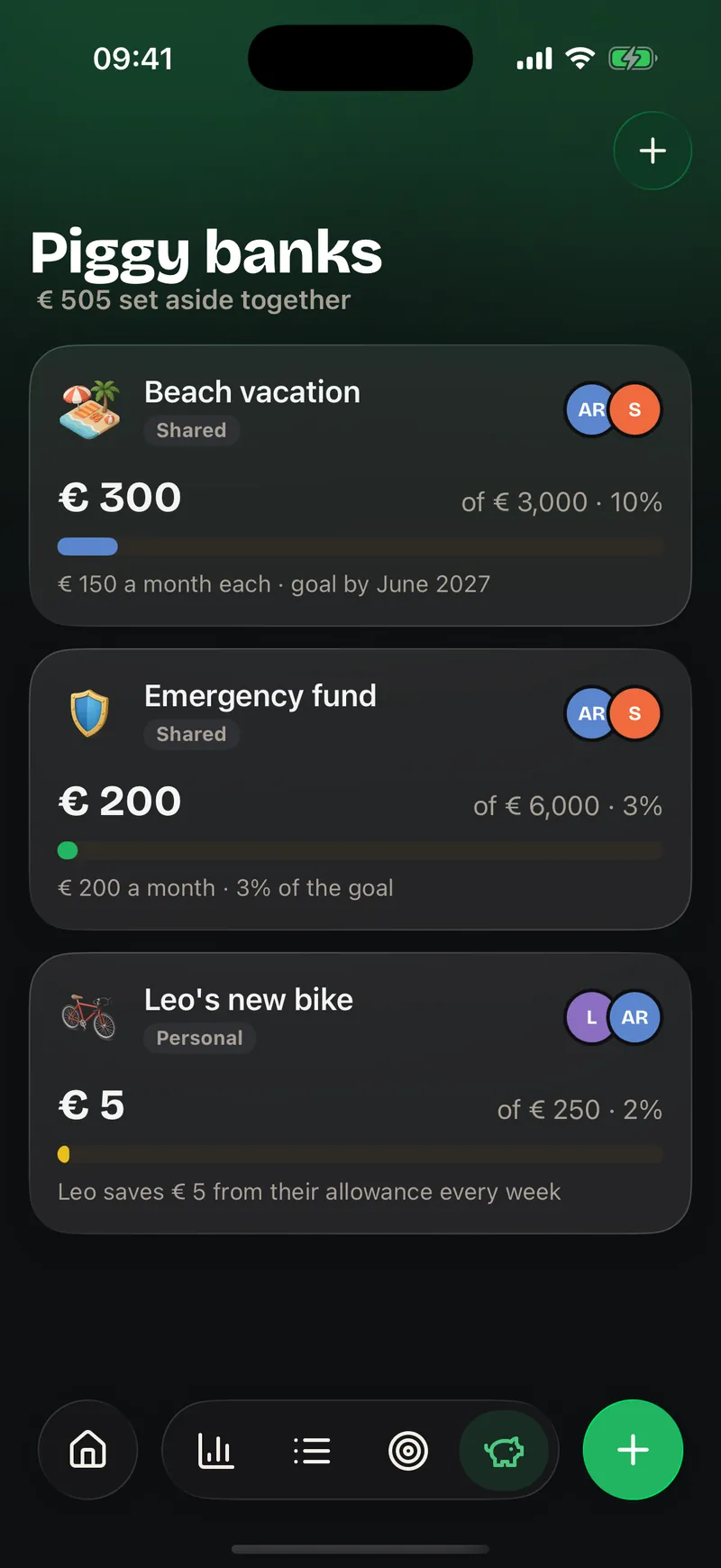
Give a visible place to what excites you: a vacation, a bike or the allowance. Every contribution brings the goal closer and makes saving feel shared.
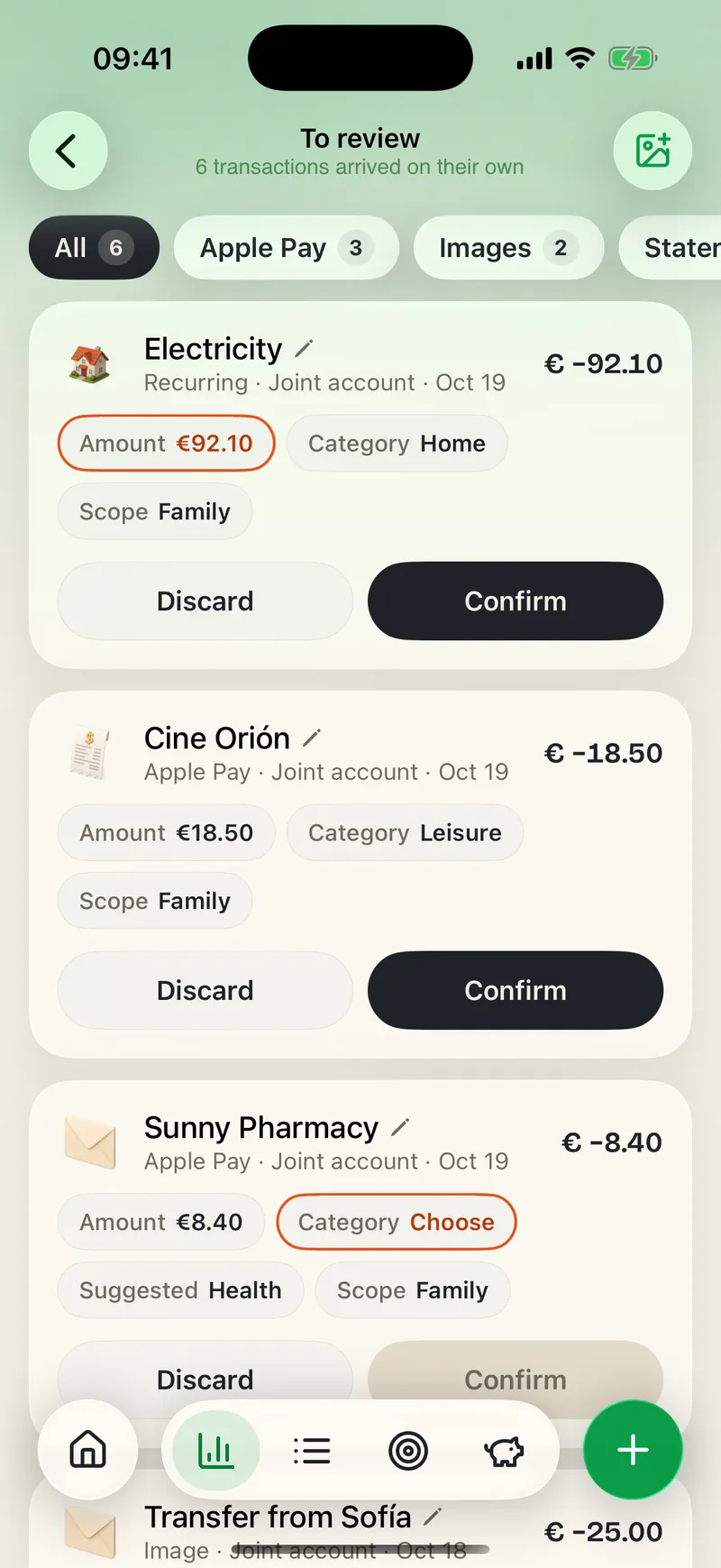
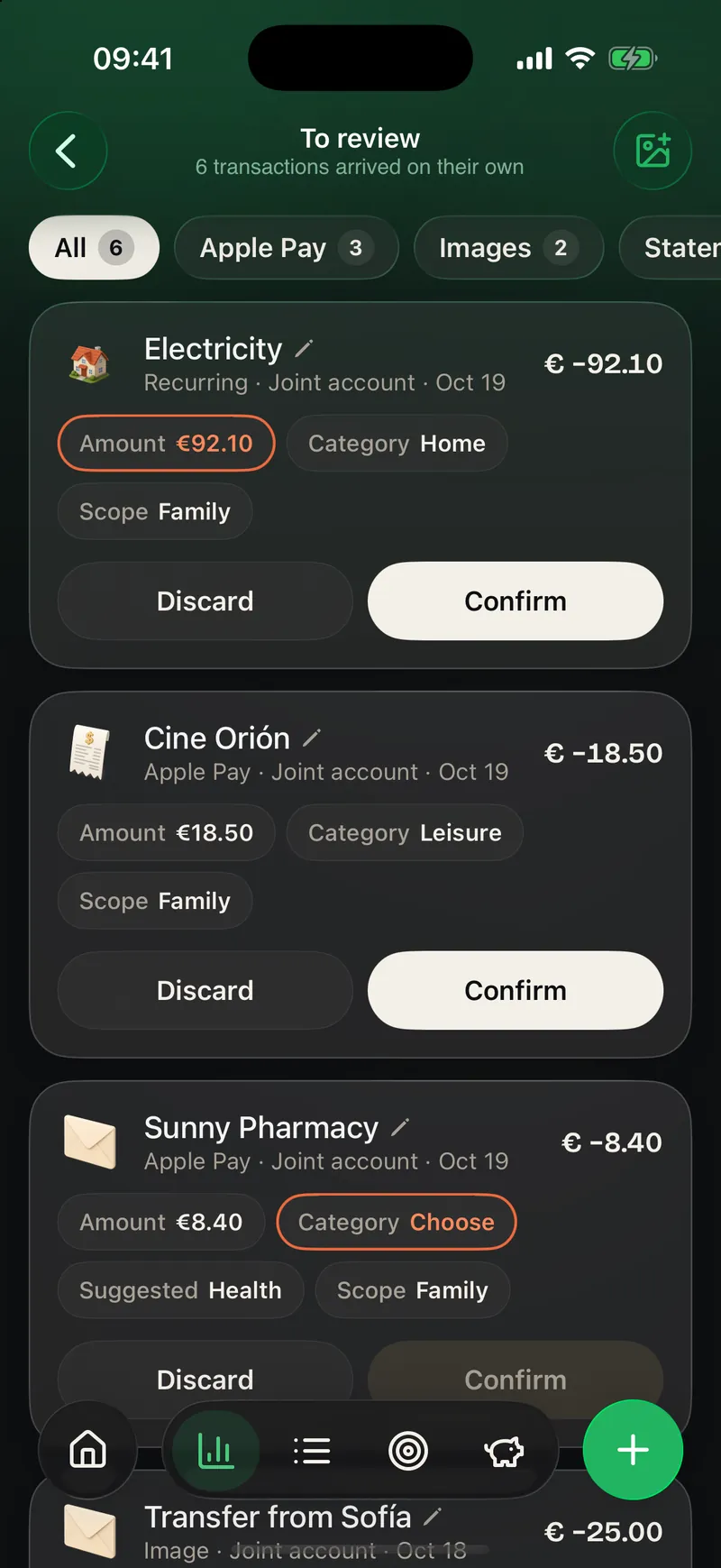
What arrives from Apple Pay, receipts or screenshots waits for your confirmation. Automation saves time without making decisions for you.
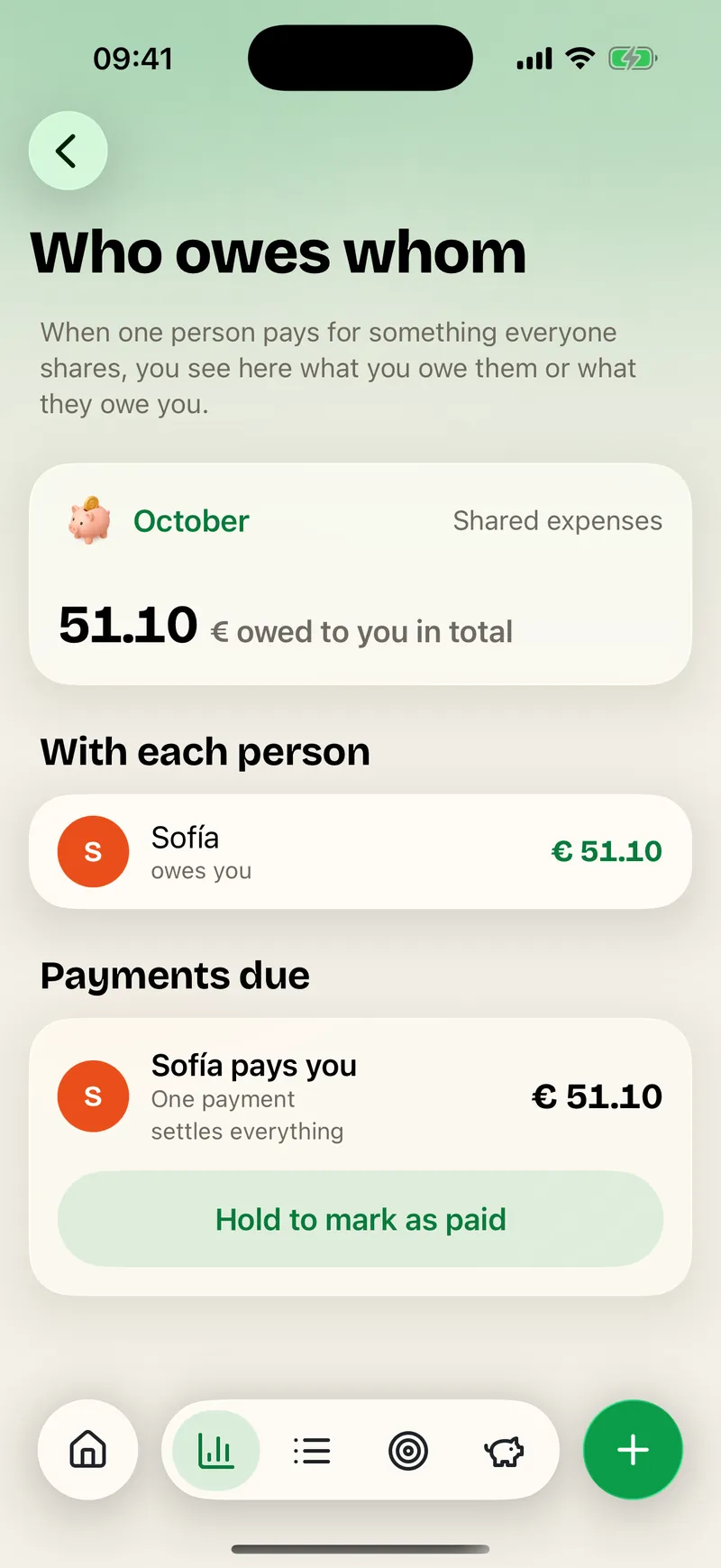
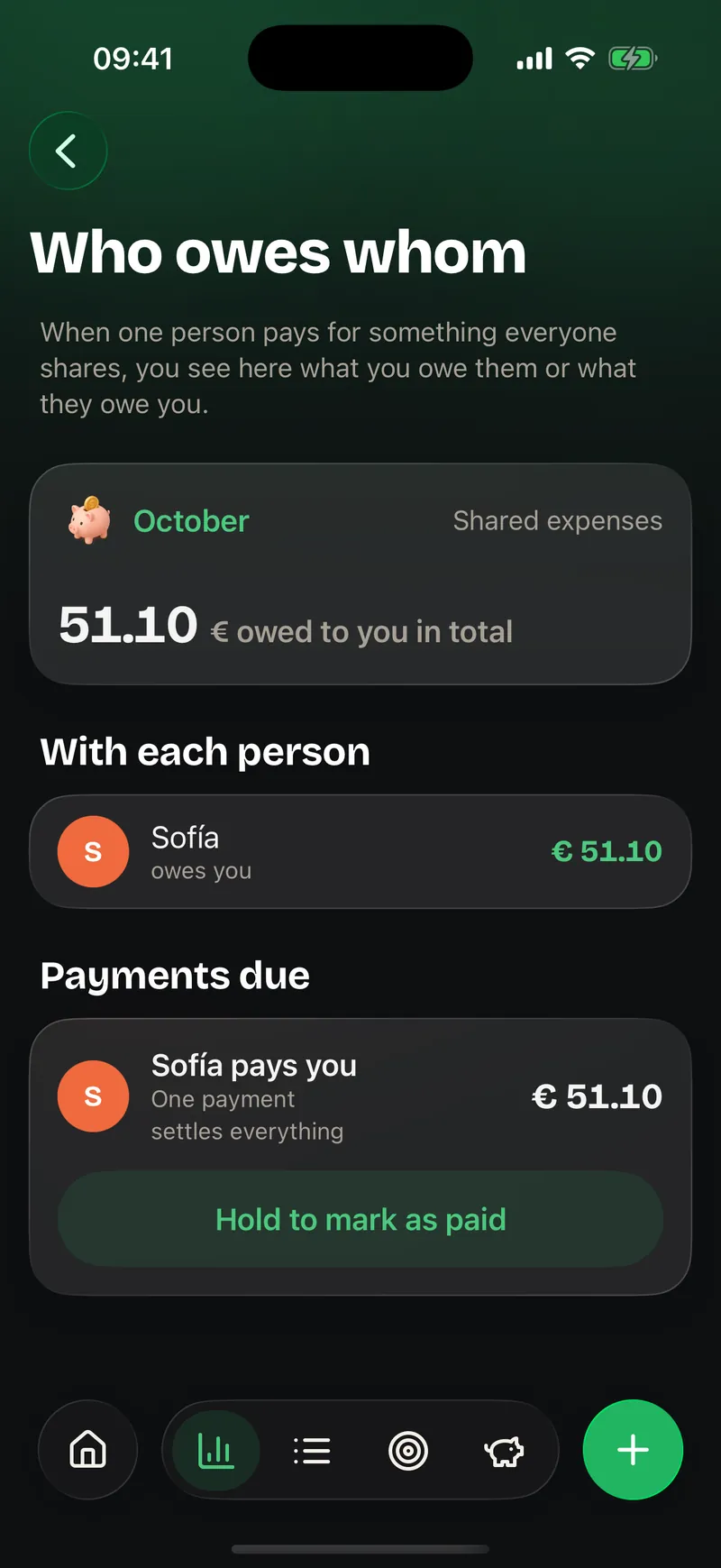
When one person pays for something everyone shares, you see here what you owe or are owed. One payment settles everything.
Cards, cash and credit, with up-to-date balances. Expenses, income and transfers between accounts.
An expense is split among those who share it and Ohana keeps track of who owes whom. Settling up is one gesture.
By category and month. A yellow warning from 80 % and red when you go over.

Vacation, the car or the kids' allowance, with a goal, a date, contributions per person and automatic contributions.

What renews every month or year, with the next date in view so nothing catches you out.
With a Shortcuts automation, every Apple Pay payment is logged in Ohana by itself. We guide you step by step.

Take a photo of the receipt or share a screenshot of your bank: the amount, the merchant and the date are read on your iPhone.

Everything that arrives by itself comes in as pending: you check the category and split, and Ohana avoids duplicates.
With Apple Intelligence, Ohana proposes a category for each transaction. Everything is decided on the iPhone itself.
Six months of savings, income against expenses, spending by person and by category. Export whenever you want.

If someone looks at your screen, the Summary can show "••••" instead of the figures.
What always goes the same way — the supermarket, the gas station — learns its category for next time.
A space is a group of people with their modules. You can be in several at once without mixing them, and the Summary brings them all together when you want.
Your calendar, your expenses and your tasks. A family of one is still a family.

What you share as a family day to day: groceries, routines, events and shared expenses.

Your own things as two, separate from what you share with the rest of the family.
Grandparents, aunts, uncles and cousins for birthdays, meals and whatever you organize together.
A separate space to coordinate the care of an older person with whoever is involved.

The shopping, the cleaning and the flat's expenses, without mixing them into your life.
Each person has a color that follows them across the app: in the calendar dots, in the task scoreboard and in the expenses. The Family tab shows everyone's day and the upcoming birthdays.
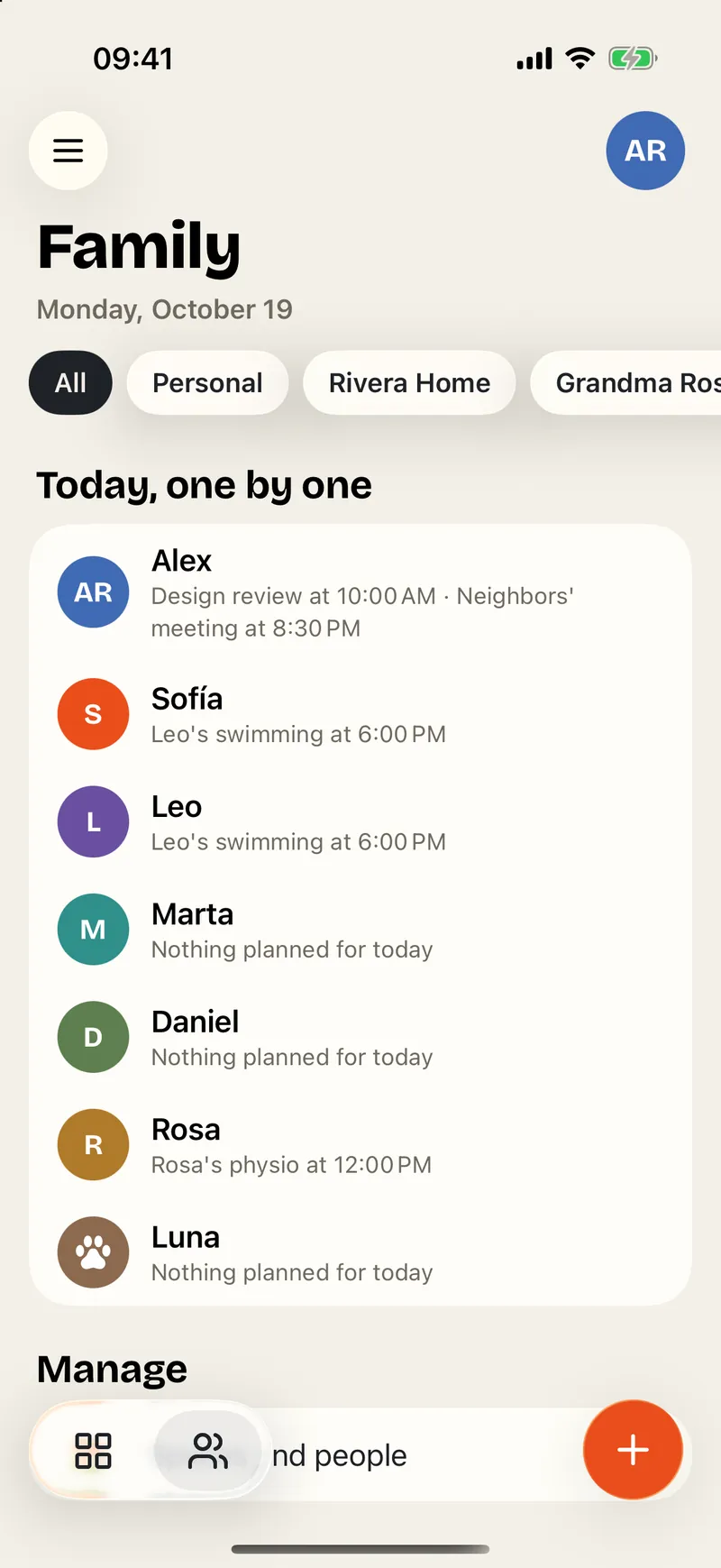
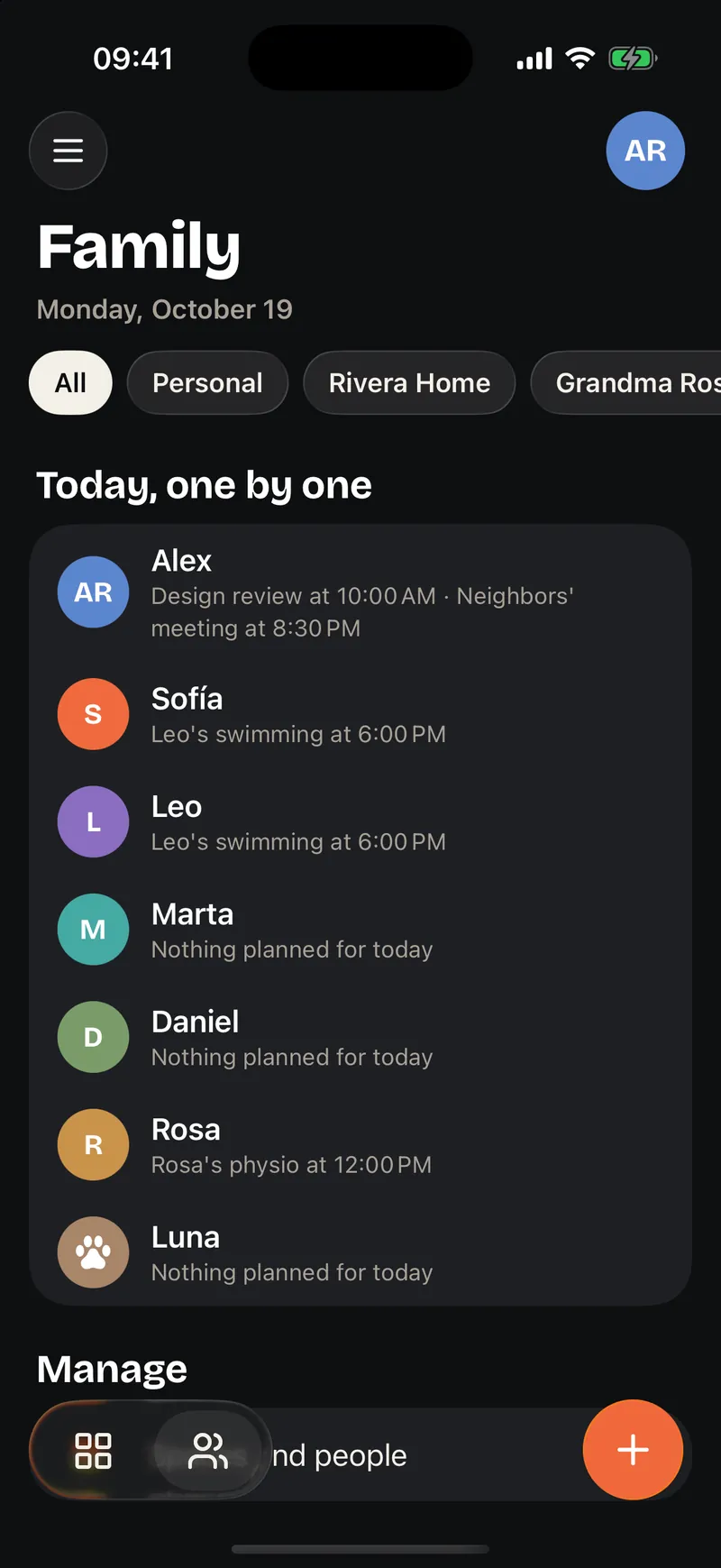
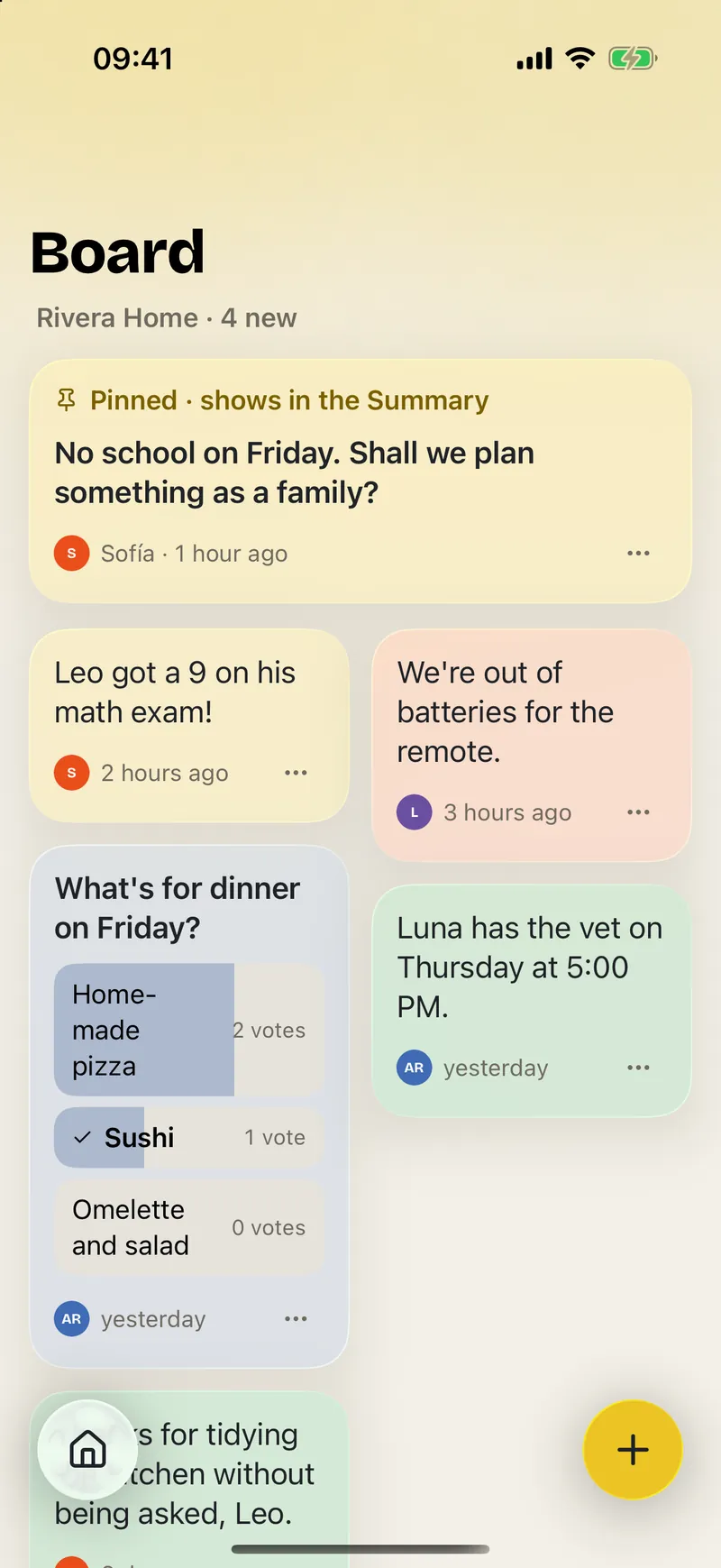
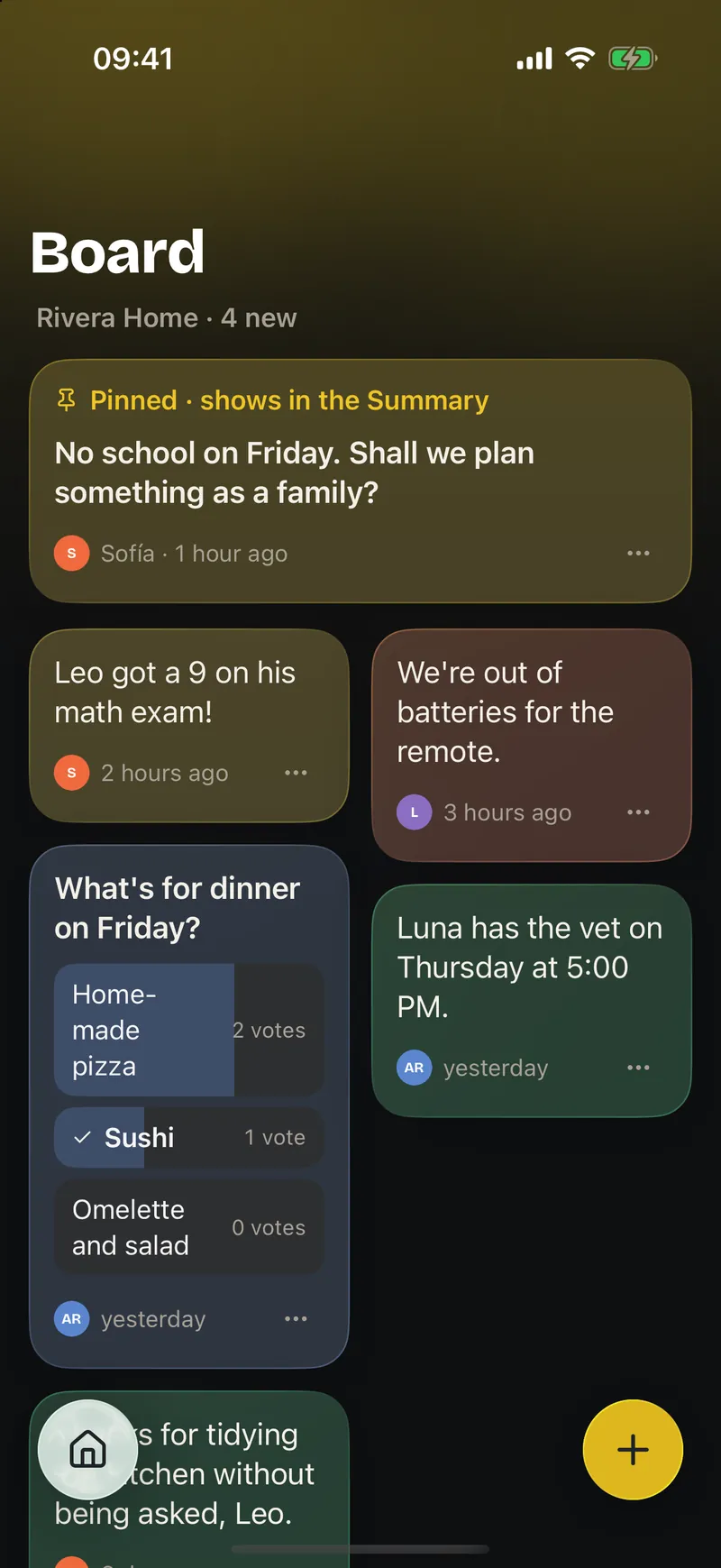
Ohana uses the system controls, glass and gestures. And it is where you need it, even when you don't open it.
Add to the groceries with your voice, start a routine or log a payment from an automation.
Lock Ohana or just the sensitive areas.
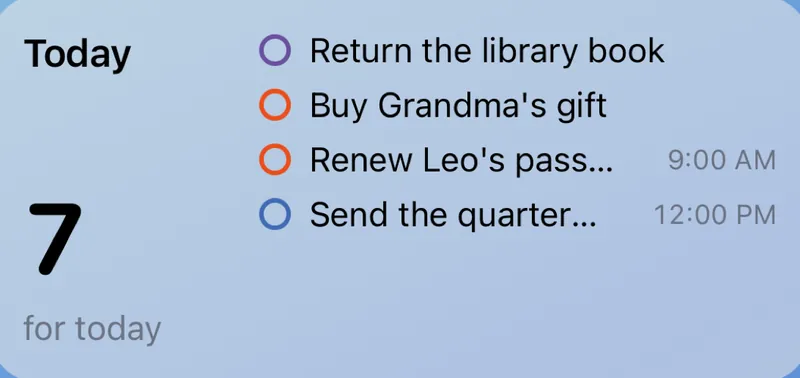
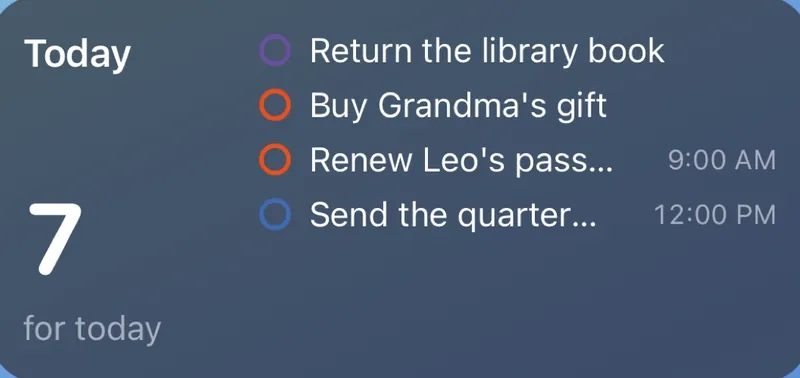
Today's tasks on the Home and Lock Screen, with their time and color.
The morning routine in the Dynamic Island: the current step and until when.

Dynamic Type, VoiceOver and Reduce Motion on every screen.
With Liquid Glass, like the rest of iOS 26.
Spanish and English, with dates and amounts from your region.
A family's life doesn't have to feed an advertising profile. Ohana starts from a simple idea: your data stays close to you.

Your family's information doesn't go through Ohana servers. It lives on your devices and in your Apple account.
Receipts, bank screenshots and phrases typed in the +: everything is understood on the device, never sent out.

No advertising, no third-party analytics, no profiles. Your family is not a product.
Each space has its own people and modules. Only you see your iPhone calendars.
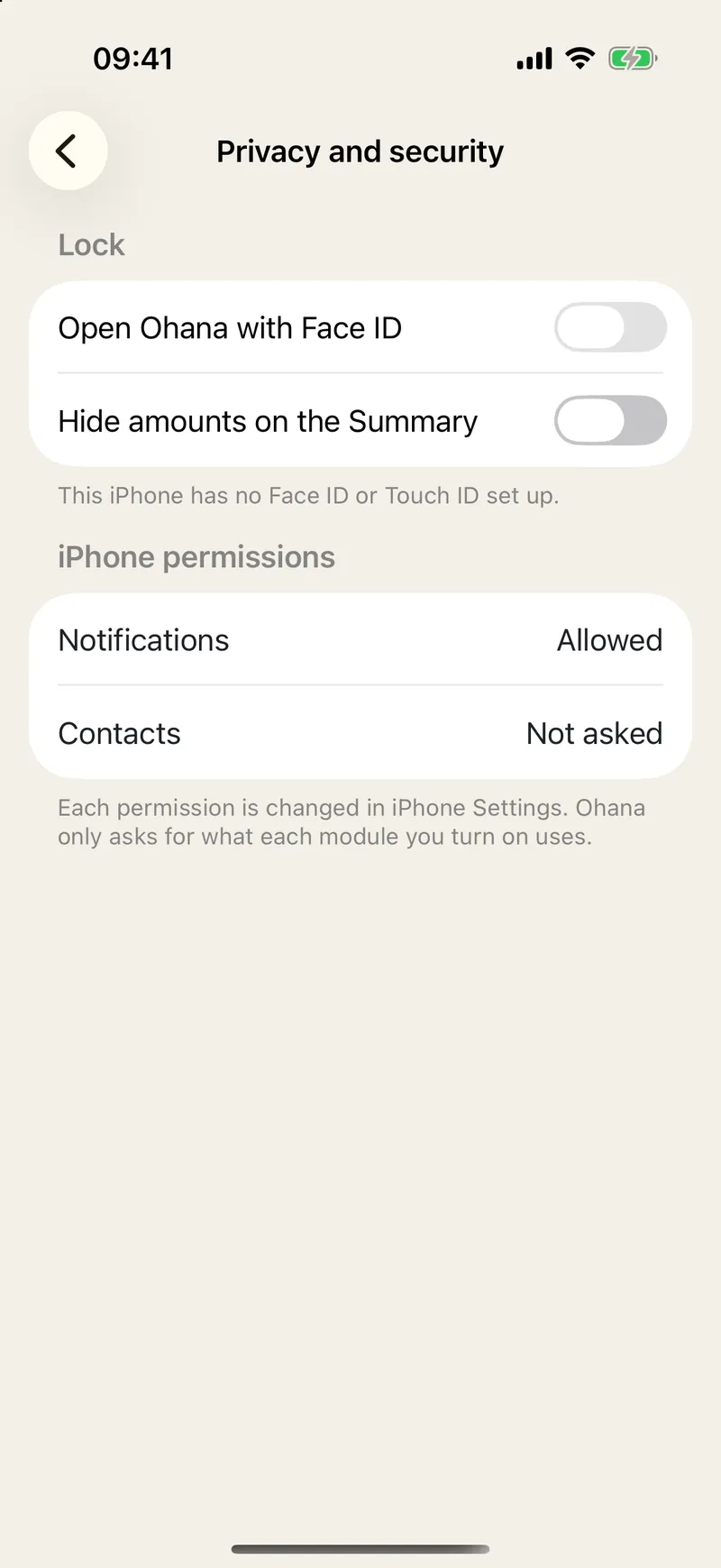
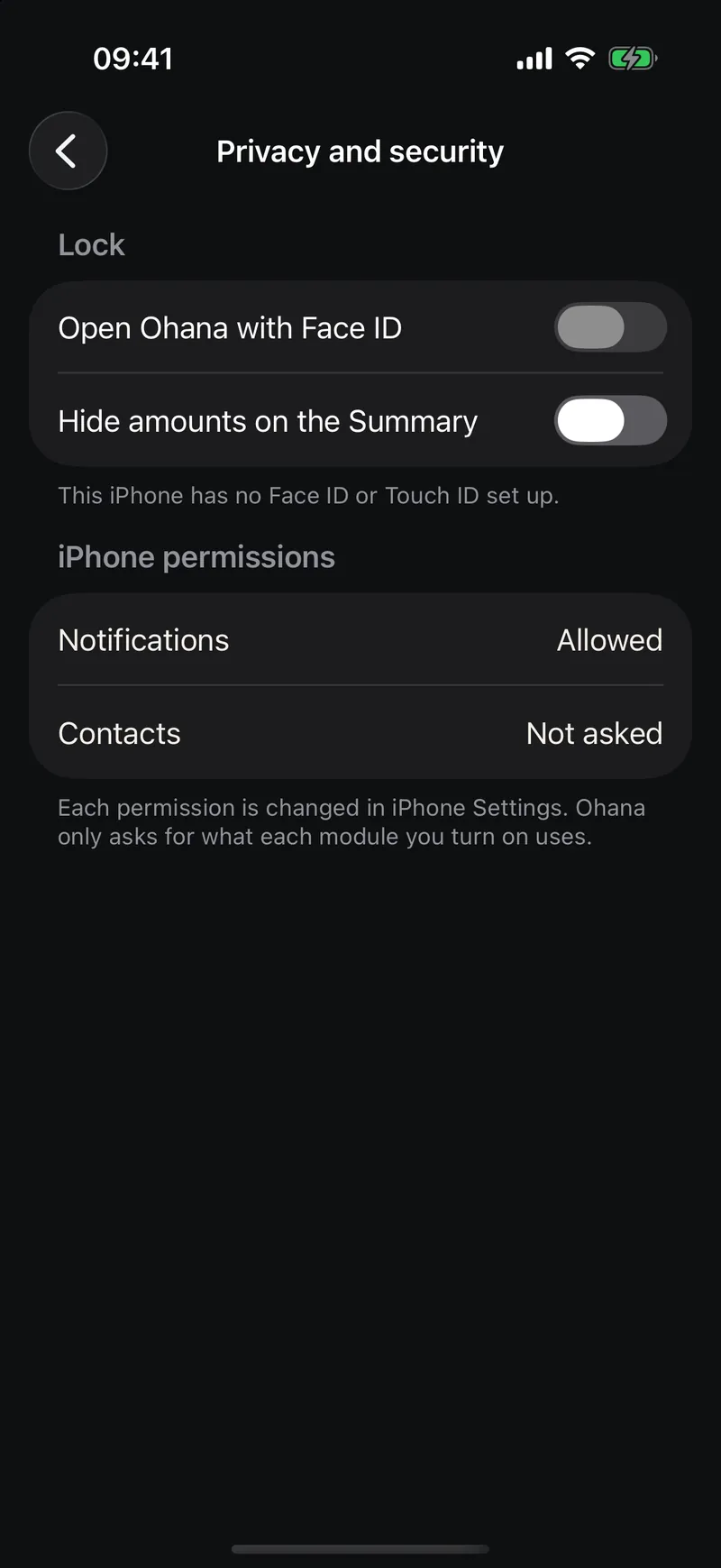
Protect the app with Face ID and hide the Summary figures when someone is looking.
Delete all your data from Settings whenever you want, with a summary before confirming.
Ohana grows by modules. These are already designed and will arrive one by one, once they are up to the standard of the rest. They are not in the app yet.

Appointments, medication, vaccines and care for older relatives.
The week's meals, recipes, allergies and ingredients straight to the groceries.
Trips, celebrations and traditions, with their packing list and documents.
Housing, vehicles, warranties, contracts and due dates.
The family's timeline: milestones, places and moments.

IDs, passports and important papers, with a heads-up before they expire.
What people ask us most about Ohana. If you can't find your answer, write to us.
Need help?Tell us what happened and, if you can, your iOS version and a screenshot. We reply in Spanish or English.
Contact supportGetting started
Ohana is a native iPhone app for iOS 26 or later. The website is there to introduce it and to help you; it does not replace the app.
Yes. The "Just me" space is yours from day one. If you later want to share something, you create a space and choose which modules it has.
No. Anyone without an iPhone — a young child, a grandparent, even the pet — can be a profile managed by an adult: they show up in the calendar, the scoreboard and the expenses.
Spanish and English. Ohana follows your iPhone's language.
Privacy and data
On your iPhone and in your own iCloud. Ohana has no servers with your family's information, no ads and no third-party analytics.
It reads them on the iPhone itself to get the amount, the merchant and the date. The image never leaves your device.
No. All of Ohana works without it. With Apple Intelligence, the Summary's "+" also understands phrases like "dinner with the grandparents on Saturday at nine" and Finances suggests categories, always on the iPhone.
In Settings › iCloud and data › Delete my Ohana data. You'll see a summary of what will be deleted before confirming, and if Face ID is on, it will ask for it.
Using Ohana
With a Shortcuts automation (Automation › Wallet) that calls the "Log an Apple Pay payment" action. Ohana guides you step by step; from then on, every payment lands in "To review".
Yes. If you grant permission, your iPhone calendars show up next to Ohana's. Only you see them; they are not shared with anyone.
In Settings › Choose modules. Each space has its own: a shared flat can have Tasks and Finances, and your personal space, everything.
Ohana is coming soon to the App Store for iPhone. Start on your own, invite your people whenever you want and choose what you share.
Coming soon to theApp Store +2 points